

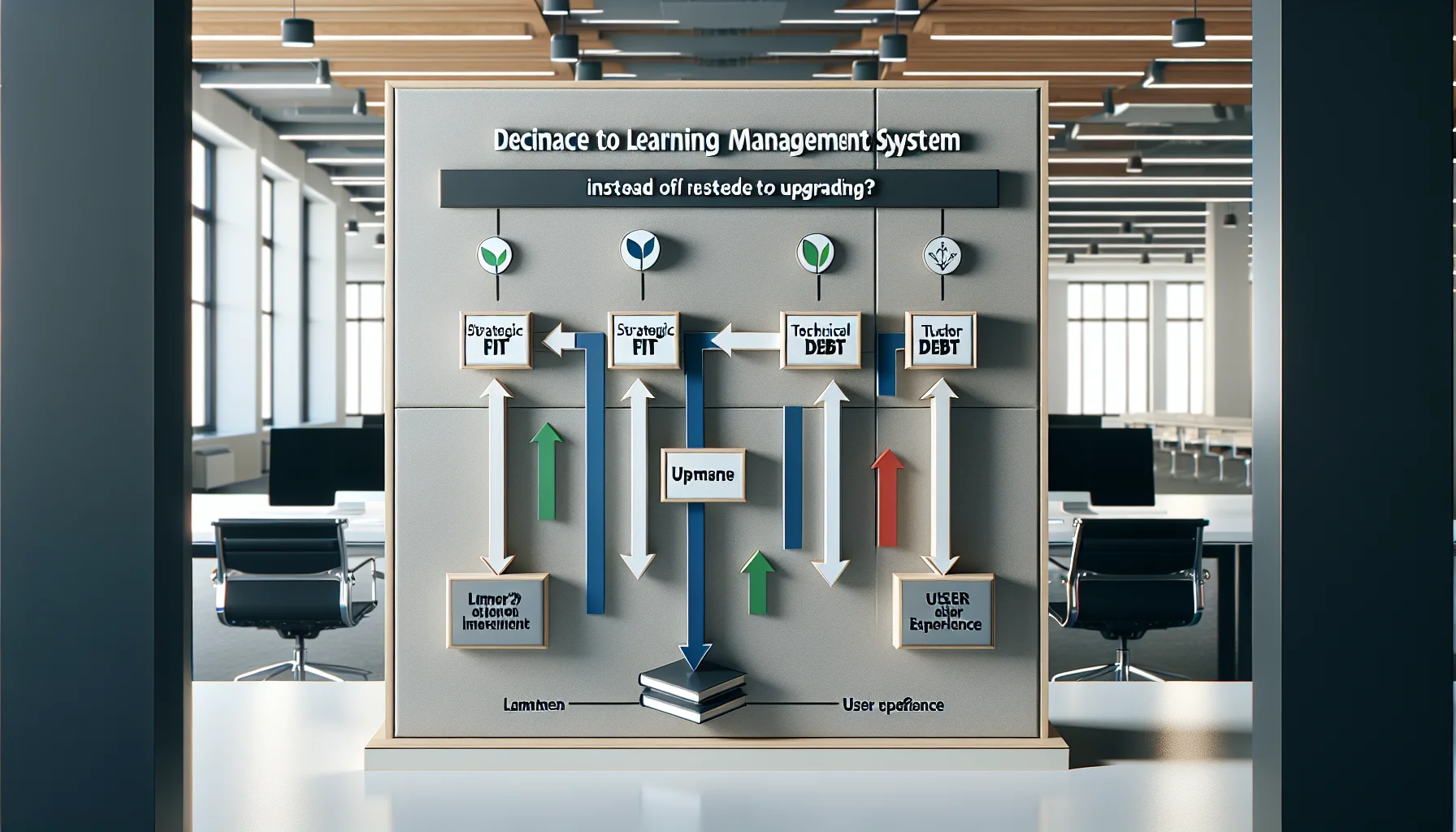
Use a three-axis framework—strategic fit, technical debt, and user experience—to decide whether to replace LMS or upgrade. Track migration signals (security, integrations, analytics), build a 3–5 year TCO, run a pilot migration, follow an eight-step playbook, and retain legacy records until compliance is verified.
To replace LMS is a major decision that affects training continuity, IT resources, and learner experience. In our experience, teams often delay replacement because they underestimate hidden costs or overestimate the value of incremental upgrades. This article explains a practical framework for deciding whether to replace LMS or upgrade, highlights concrete signals that point to migration, and provides an actionable checklist to execute a migration with minimal disruption.
We cover the difference between LMS upgrade vs replace, the lifecycle issues of an end of life LMS, and the operational metrics that serve as reliable LMS migration signals. Use this as an evidence-based guide to determine when to change LMS and the best practices for implementation.
When choosing between an upgrade and a full replacement you need a reliable framework. We recommend a three-layered approach: strategic fit, technical debt, and user experience. Each axis should be scored independently and weighted by organizational priorities.
Score each axis on a 1–10 scale. If cumulative weighted scores exceed your threshold (we use 24/30), plan to replace LMS. This forces a quantitative conversation rather than a subjective one.
Strategic fit measures whether the current LMS aligns with long-term learning strategy. Ask: does the product roadmap support new modalities (microlearning, virtual classrooms, adaptive learning)? If the vendor's roadmap lags and custom work is frequent, the cost of retrofitting may exceed the cost to replace LMS. Document business capabilities you need now and in 3 years, and score gaps.
Technical debt is about fragile integrations, patchwork customizations, and upgrade instability. If upgrades frequently break key integrations, or the system requires a dedicated internal team to maintain, these are classic signs you need to replace LMS. Include integration uptime and maintenance hours in your scoring model.
Knowing the specific signs you need to replace your LMS helps avoid reactive decisions. We’ve identified repeatable signals across organizations that reliably predict a failed upgrade strategy.
These signals include performance limits, security concerns, poor analytics, and vendor stagnation. When multiple signals appear concurrently, the probability that an upgrade will suffice drops sharply.
Performance ceilings (e.g., unable to support concurrent virtual events), end-of-life notices from the vendor, and inability to patch known vulnerabilities are hard technical signals. An end of life LMS declaration should trigger an immediate retirement plan: vendors stop issuing security updates, and regulatory risk rises. Track these as high-priority migration signals.
Declining completion rates, increasing support tickets about navigation, and a lack of actionable learning analytics are UX signals. If your LMS fails to deliver reliable data for compliance or skills mapping, an upgrade might not close the gap. These are practical indications that you should replace LMS to obtain modern reporting and learner personalization.
Deciding to replace LMS should be economic as well as technical. Perform a total cost of ownership (TCO) comparison over a 3–5 year horizon. Include license fees, implementation, training, migration labor, and ongoing maintenance. Compare that to projected productivity gains and risk reduction.
We use a simple ROI template that factors direct savings (reduced support hours), indirect gains (higher completion rates), and avoided costs (security incidents). When replacement yields a positive NPV compared to a pattern of recurring fixes, prioritize migration.
Include these items in your model:
Our rule: if upgrade cycles cost more than 60% of projected replacement TCO over three years, plan to replace LMS.
Once you decide to replace LMS, a phased plan minimizes disruption. Use pilot groups, parallel environments, and staged cutovers. Prioritize high-risk content (compliance, certification) for early migration. A robust rollback plan is essential until the new platform proves stable.
Practical solutions include pre-migration audits, automated content mapping tools, and sandbox testing for integrations. Also validate reporting parity to ensure compliance continuity.
Choose vendors with proven migration toolsets and open APIs. For example, to detect learner engagement patterns and migration readiness, platforms often offer real-time analytics and sandbox features (available in platforms like Upscend). Use these tools to validate assumptions before cutover and to run A/B migrations that protect critical learners.
Best practices:
Follow a disciplined migration playbook to replace LMS with confidence. This reduces surprises and sets clear owner responsibilities. Below is an executable sequence we've used across multiple enterprise projects.
Each step includes checkpoints for data integrity, user acceptance, and compliance verification to prevent regressions.
Checkpoint tips: Verify learning paths, test credentials and certificates, and reconcile completion records. If audits find missing completions, postpone decommissioning until records are reconciled.
Knowing when to retire an old LMS is as important as knowing how to migrate. Retirement should only occur after verification of data integrity, legal hold checks, and archival of compliance artifacts. These steps mitigate regulatory and operational risk.
We recommend a minimum 12-month overlap for regulated industries and a formal decommission checklist to capture final exports, audit logs, and serialized certificates. Retirement is not instantaneous; it’s a controlled wind-down that protects learners and the organization.
Ensure you export and store all records that have legal or compliance value in immutable storage. Map certificate lifecycles and retain evidence of delivery and completion. Coordinate with legal and HR to confirm retention schedules before final deletion.
Deciding to replace LMS is a strategic choice informed by measurable signals: technical debt, security posture, analytics shortfalls, and total cost of ownership. We've found that organizations that use a structured scoring system and follow a staged migration playbook reduce downtime and preserve compliance records.
Practical next steps: run the three-axis assessment, build a 3–5 year TCO model, and run a pilot migration with a conservative cutover plan. If your scores or TCO favor replacement, begin planning now—delaying increases risk and cost.
Call to action: Start by conducting a 30-day readiness audit using the checklist above—document scores for strategic fit, technical debt, and UX—and schedule a pilot migration window if your combined score exceeds your pre-defined threshold.
The Upscend Team provides actionable insights on technology and business strategy.
Book a walkthrough and we'll show you how it applies to your own content.
 General
December 22, 2025
This article explains when to migrate from a legacy LMS by presenting measurable red flags—poor UX, vendor sunset, and security gaps—plus a three-year TCO framework and phased migration timeline. It provides a migration checklist, risk mitigations for data migration, and a case study showing zero data loss and a 35% drop in admin tickets.
 Lms
LmsDecember 23, 2025
This article outlines clear LMS replacement signs, a weighted scorecard to quantify readiness, and a practical 12–16 week migration checklist. It covers vendor selection, data and content preparation, pilot testing, and post-launch hypercare. Start with a three-week discovery sprint to complete the scorecard and export sample data.
 General
December 24, 2025
This article explains how to spot when legacy training replacement is needed and how to plan a pragmatic LMS migration. It lists common signs (declining completion, slow updates, reporting gaps), measurable ROI metrics, phased migration options, and change-management tactics including an MVM pilot to minimize disruption and accelerate adoption.
 Business Strategy&Lms Tech
February 4, 2026
Organizations should not automatically replace LMS platforms with LXPs. Evaluate Cost, Integrations, Content readiness and Change capacity (CICC) before migrating; many contexts, especially compliance-heavy or budget-constrained environments, benefit from interim optimizations like modularizing content and lightweight recommendation engines that preserve continuity and improve outcomes.