


This article explains how to spot when legacy training replacement is needed and how to plan a pragmatic LMS migration. It lists common signs (declining completion, slow updates, reporting gaps), measurable ROI metrics, phased migration options, and change-management tactics including an MVM pilot to minimize disruption and accelerate adoption.
Legacy training replacement is a strategic decision that affects productivity, compliance, and employee engagement. In our experience, organizations delay this decision until the cost of staying with old methods exceeds the effort to modernize. This article helps L&D leaders and business decision-makers recognize signs you need new learning platform and map a pragmatic path to training modernization.
Below we cover clear signals, business impact, practical solutions, a tested migration roadmap, and common pitfalls so you can determine when to replace legacy training with LMS in a way that minimizes disruption and maximizes adoption.
Most legacy training systems were built for an era of classroom slides and paper rosters. Today, learning expectations have changed: on-demand access, personalized learning paths, and integrated analytics are table stakes. When you evaluate legacy training replacement, focus on capability gaps, not nostalgia.
Replacing legacy systems ties directly to strategic goals: faster onboarding, better performance support, and tighter compliance. A modern learning platform connects with HR systems, CRM, and operational tools to provide contextual learning that drives measurable outcomes.
Organizations that keep legacy platforms often experience slow content updates, poor learner engagement, and fragmented reporting. These operational weaknesses translate into hidden costs like repeated training, regulatory risk, and lost productivity.
Key losses include slow scaling for new roles, inability to personalize, and manual administrative overhead that pulls SMEs out of strategic work.
Timing a legacy training replacement is about detectable triggers rather than a calendar. Below are the practical signals we've observed where action becomes urgent.
Ask whether current tools support current goals. If not, you should evaluate replacement options with a focus on outcomes rather than features.
Signs you need new learning platform often appear gradually: declining completion rates, slow content update cycles, inability to report on skills, or repeated helpdesk tickets tied to training access. These symptoms indicate operational friction rather than learning issues alone.
Look for patterns: is the same problem recurring across departments? If so, it's a systemic signal to consider legacy training replacement.
Deciding when to replace legacy training with LMS depends on a simple cost-benefit test. If projected gains from productivity, compliance risk reduction, and faster time-to-competency outweigh migration costs within a reasonable timeframe, it’s time to act.
Key questions to ask: Can the existing system integrate with modern tools? Does it provide the analytics to prove impact? Can content be refreshed quickly? If the answers are no, plan a replacement.
Replacing legacy training is an investment. To convert it into a business case, quantify impact on time-to-productivity, error rates, and regulatory fines. We’ve found that measuring the right metrics shortens approval cycles and secures executive buy-in.
Define baseline metrics before migration so you can compare post-launch performance. Typical metrics include completion rates, first-time pass rates, average time to competency, and support ticket volume.
Studies show that companies that replace legacy training systems and adopt modern learning platforms tend to see improvements in retention and productivity within 6–12 months. Use a conservative estimate for ROI to avoid overselling.
There are multiple routes to effective legacy training replacement: phased LMS migration, hybrid models that combine VILT and microlearning, or a full platform swap with a content refresh. Each approach balances risk, cost, and speed differently.
Some of the most efficient L&D teams we work with use platforms like Upscend to automate enrollment workflows, centralize analytics, and reduce manual overhead without sacrificing content quality. That approach illustrates how modern tools can remove low-value admin work and free teams to focus on learning design.
Examples we've observed:
When evaluating vendors, prioritize integration capabilities, API access, and the ability to export learning records. These features reduce vendor lock-in and simplify future upgrades.
Use a scorecard that weighs technical fit, learner experience, implementation risk, and total cost of ownership. Include pilot results as a decisive factor rather than vendor demos alone.
Evaluation checklist should include integration with HRIS, mobile experience, analytics granularity, and support for SCORM/xAPI where required.
Successful legacy training replacement combines technical migration and strong change management. Below is a practical, repeatable roadmap we recommend based on multiple implementations.
Break the project into clear phases with accountable owners and measurable milestones to maintain momentum and demonstrate progress.
Change management must run in parallel: identify champions, craft role-specific communications, and provide quick-start resources for managers and learners. Training the trainers early reduces resistance and accelerates adoption.
For constrained budgets, implement an MVM: migrate only required compliance and onboarding content, enable single sign-on, and connect reporting to HR systems. This reduces initial effort while delivering clear value.
Once the MVM proves value, use the saved time to expand to full learning journeys and competency mapping.
Migration projects often fail not because of technology, but because of weak governance and unrealistic expectations. Recognizing common pitfalls helps you plan defensively.
Common pitfalls include scope creep, underestimating content cleanup, and ignoring learner experience. Address these upfront to preserve schedule and budget.
Another frequent issue is attempting to migrate every legacy course verbatim. Instead, prioritize content for impact and consider microlearning to repackage long courses into actionable modules.
Risk mitigation tips:
Deciding on legacy training replacement is a strategic choice that should be driven by clear signals, measurable outcomes, and a pragmatic migration approach. When you align stakeholders, measure baseline metrics, and execute a phased plan with strong change management, the benefits are tangible: faster onboarding, lower compliance risk, and better engagement.
Start by running a short discovery sprint: inventory your courses, map three critical metrics, and pilot one curriculum to validate the hypothesis. That small, evidence-driven step will clarify whether a full-scale legacy training replacement is warranted for your organization.
Next step: Gather your stakeholders for a 90-minute discovery to set baselines and define a one-wave pilot that targets the highest-impact learner group. That pilot is the fastest way to move from assessment to results.
The Upscend Team provides actionable insights on technology and business strategy.
Book a walkthrough and we'll show you how it applies to your own content.
 General
December 22, 2025
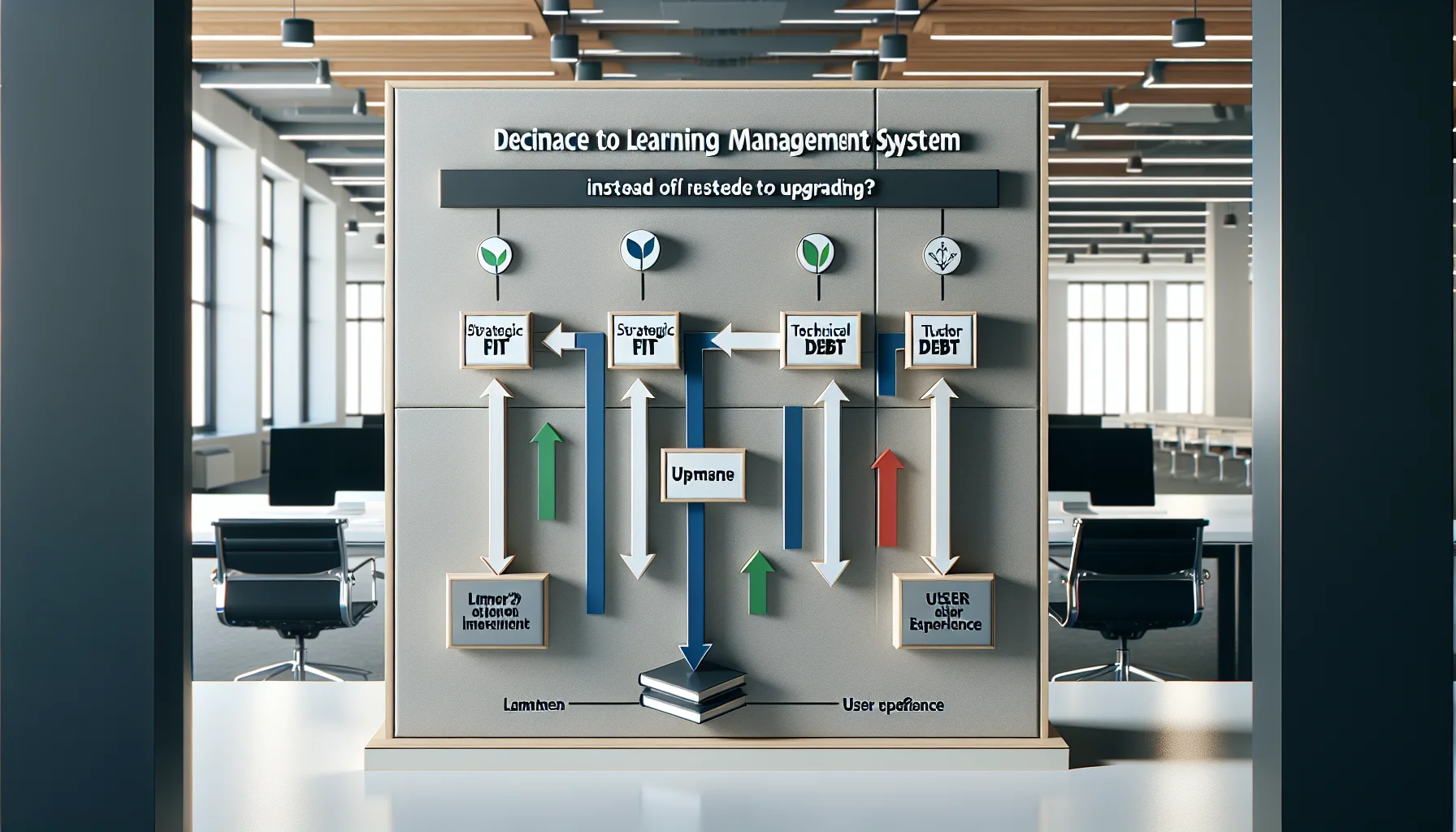
Use a three-axis framework—strategic fit, technical debt, and user experience—to decide whether to replace LMS or upgrade. Track migration signals (security, integrations, analytics), build a 3–5 year TCO, run a pilot migration, follow an eight-step playbook, and retain legacy records until compliance is verified.
 Lms
LmsDecember 23, 2025
This article breaks LMS migration into practical, repeatable steps: plan scope and stakeholders, audit legacy content with automated discovery plus human sampling, map metadata, convert formats, and run a sandbox pilot. Prioritize high-impact assets, standardize taxonomy, and include QA, rollback and adoption metrics before full cutover.
 Lms
LmsDecember 23, 2025
This article outlines clear LMS replacement signs, a weighted scorecard to quantify readiness, and a practical 12–16 week migration checklist. It covers vendor selection, data and content preparation, pilot testing, and post-launch hypercare. Start with a three-week discovery sprint to complete the scorecard and export sample data.
 Lms
LmsDecember 24, 2025
This article outlines a pragmatic approach to LMS migration, covering inventory, prioritization, governance, and a repeatable extract-transform-load pipeline. It recommends a phased pilot→bulk→optimize model, hybrid conversion (automate low-value, redesign high-value), and KPIs to measure success. Practical checklists and QA tips reduce remediation and protect compliance.