


This article explains when to migrate from a legacy LMS by presenting measurable red flags—poor UX, vendor sunset, and security gaps—plus a three-year TCO framework and phased migration timeline. It provides a migration checklist, risk mitigations for data migration, and a case study showing zero data loss and a 35% drop in admin tickets.
LMS migration is one of the highest-impact technology decisions an organization can make: it affects compliance, learning continuity, and operational cost. In our experience, the right timing is not only a technical call but a strategic judgment based on user experience, security posture, and total cost of ownership. This article gives practical decision criteria, red flags, a migration checklist and a sample timeline so teams can decide with confidence.
Below you'll find clear signals for when to migrate from legacy LMS implementations, cost and risk frameworks to evaluate, a phased strategy to reduce downtime, and a real case where a staged move preserved learning history while minimizing disruption.
Recognizing the signs that you need an LMS migration prevents technical debt from turning into business risk. We recommend measuring a short set of KPIs monthly to catch these red flags early.
Three primary red flags demand attention: poor user experience, vendor sunset or stagnation, and security or compliance gaps. Each of these can be quantified and prioritized in a migration decision.
Poor user experience from a legacy LMS shows up as low course completion, high support tickets, and mobile dropout. If active learners report workflows that take three times longer than peers or if completion rates fall below industry benchmarks, the ROI on modernization is straightforward.
When a vendor announces end-of-life for core features or a product roadmap stalls, that's a clear operational risk. Security gaps—unpatched systems, outdated encryption, or failed audits—are even more urgent, particularly for regulated industries.
Platform modernization often begins as a security or compliance project because those drivers create budget and executive buy-in.
Deciding when to migrate from legacy LMS requires a disciplined cost model. Compare current annual costs (software licenses, support, hosting, admin time) against projected costs of a modern platform including implementation and recurring fees.
Use a three-year Total Cost of Ownership (TCO) and a five-year ROI forecast to capture both short-term disruption and long-term savings. Include hard and soft savings: reduced admin hours, faster onboarding, improved compliance, and better learner outcomes.
Track: cost per learner, time to enroll, average support ticket cost, and compliance incident cost. Multiply improved completion rates by estimated productivity gains to create a conservative benefit estimate for the LMS migration.
Any LMS migration carries technical and organizational risks. The three biggest are data loss, business disruption, and cost overrun. Mitigation combines process controls, realistic timelines, and stakeholder engagement.
Data migration risk is highest for legacy platforms with proprietary formats. Mitigate by performing repeated extracts, checksums, and reconciliation runs before cutover.
Implement an extract-validate-load approach: extract multiple snapshots, validate record counts and content integrity, then load into the target while mapping identifiers. Keep an immutable backup of the legacy system until validation is complete.
Use incremental reconciliation and audit trails to ensure learning history, completions, and credential data remain intact through every migration wave.
Design a phased cutover: pilot groups, parallel runs, and gradual redirect of traffic. A rollback plan and staged communication reduce anxiety and provide measurable checkpoints during the LMS migration.
A phased approach minimizes risk and preserves operations. In our experience, breaking a migration into discovery, pilot, incremental rollouts, and full cutover keeps teams measurable and accountable.
Here is a concise phased strategy that reduces downtime and protects learning history: assess, extract, pilot, iterate, and scale. Each phase should have defined success criteria before moving forward.
Below is a sample timeline for a medium-sized organization. Adjust durations for complexity and regulatory needs. This approach supports partial deployments and continuous improvement during the larger LMS migration program.
| Phase | Duration | Primary Activities |
|---|---|---|
| Discovery & planning | 4–6 weeks | Requirements, integrations inventory, data audit |
| Extract & prototype | 6–8 weeks | Data extracts, mapping, initial pilot content |
| Pilot (1–2 groups) | 8–12 weeks | User feedback, workflow tweaks, performance tuning |
| Incremental rollouts | 3–6 months | Phased migration by department/location |
| Full cutover & optimization | 4–8 weeks | Final data sync, decommission legacy, continuous improvements |
During pilot waves it's critical to instrument learner behavior so you can act on real data quickly (real-time analytics in platforms—for example Upscend—can surface learner drop-off during pilot waves). This practical visibility shortens feedback loops and reduces the risk of negative adoption trends during broader rollout.
A clear migration checklist keeps teams aligned and reduces surprises. Below is a prioritized list to validate before beginning heavy work on data migration or cutover.
Use this checklist as the entry criteria for each phase of a phased LMS migration. Mark items as complete only after independent verification.
We recently worked with a mid-size healthcare organization that faced an urgent need to modernize a legacy LMS after multiple failed upgrades. The primary concerns were preserving two years of learning history and avoiding downtime for mandatory compliance training.
The team executed a phased LMS migration over seven months: discovery, two pilot cohorts, and an incremental rollout by facility. Key tactics included dual-running compliance courses on both systems for four weeks and performing nightly incremental data syncs to reconcile completions and certificates.
Results: downtime during cutover was limited to a single maintenance window of two hours, zero lost records (verified by audit logs), and a 35% reduction in admin support tickets within three months. The phased approach kept operational continuity and built trust among clinical leaders, accelerating system-wide adoption.
Three practical takeaways: keep pilots small and measurable, automate data reconciliation as much as possible, and budget for a longer user adoption period than technical implementation. These steps directly address the common pain points of data migration, business disruption, and cost overrun.
Deciding when to migrate from legacy LMS installations is both art and science. Use the red flags outlined here—poor UX, vendor sunset, and security gaps—alongside a disciplined cost analysis and a phased migration model to reduce risk and maximize ROI. A focused LMS migration plan with clear entry/exit criteria, robust data-validation, and staged rollouts will materially reduce the chance of data loss and business disruption.
Next steps: run a three-week discovery sprint to gather the metrics listed in the migration checklist, assemble an executive sponsor and working team, and build a pilot plan with measurable success criteria. With that structure you can determine the precise LMS migration schedule that fits your organization.
Call to action: If you’re evaluating platform modernization, schedule a discovery sprint this quarter to produce a TCO and pilot plan that will show whether immediate LMS migration is warranted and how to execute it with minimal disruption.
The Upscend Team provides actionable insights on technology and business strategy.
Book a walkthrough and we'll show you how it applies to your own content.
 L&D
L&DDecember 21, 2025
This article explains when to migrate to a new LMS and how to execute enterprise LMS migration with minimal disruption. It covers measurable signals, a pre-migration audit, data mapping, pilot sequencing, cutover and rollback criteria, plus 60/90/180-day timelines, cost ranges and practical templates for scope and risk registers.
 L&D
L&DDecember 21, 2025
This article explains when organizations should migrate to a new LMS, highlighting technical, business, and UX signals. It outlines a staged migration roadmap—discovery, mapping, pilot, cutover, and stabilization—sample timelines for 5k–50k users, risk mitigations, and stakeholder roles to reduce downtime and protect data integrity during enterprise migrations.
 General
December 22, 2025
This article outlines a phased approach to LMS migration: plan and assess, inventory and prioritize, convert courses, migrate data, and validate through QA and pilots. It emphasizes triage to reduce conversion load, test-driven data transfers, and a rollback-ready cutover. Follow the legacy LMS migration checklist to preserve records and minimize disruption.
 General
December 22, 2025
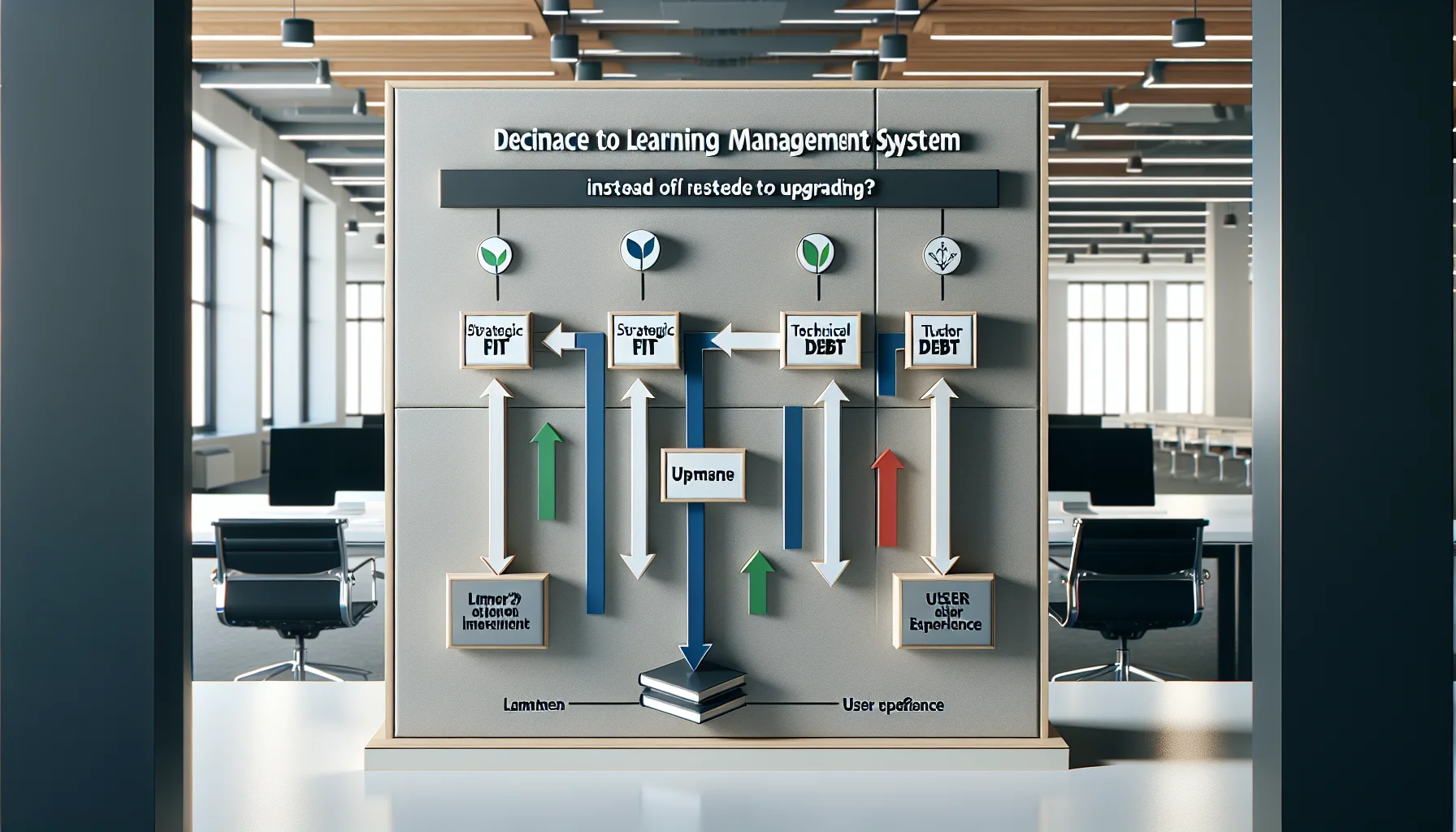
Use a three-axis framework—strategic fit, technical debt, and user experience—to decide whether to replace LMS or upgrade. Track migration signals (security, integrations, analytics), build a 3–5 year TCO, run a pilot migration, follow an eight-step playbook, and retain legacy records until compliance is verified.