

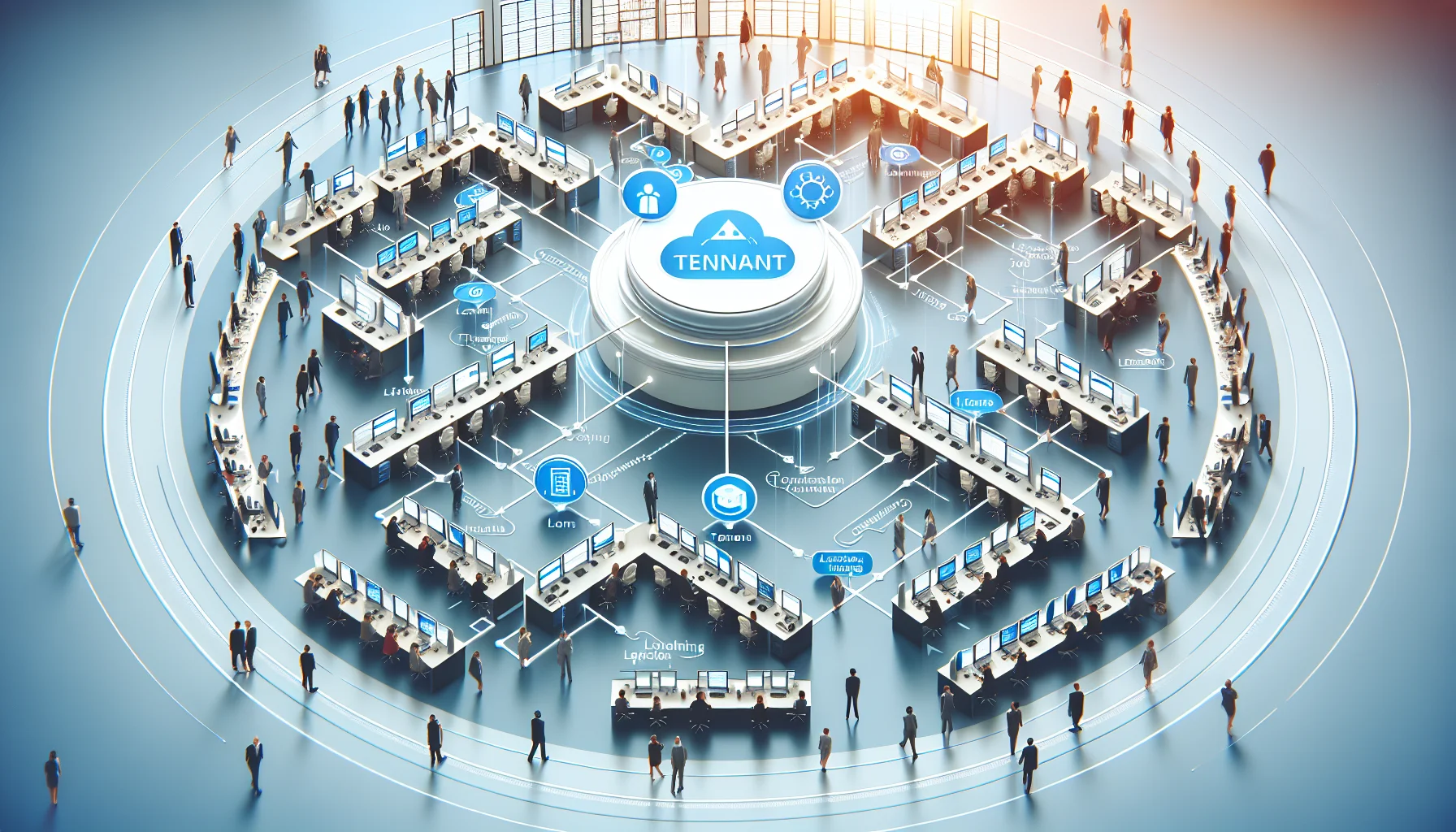
This article explains multi-tenant LMS architecture and why it supports scaling training with centralized operations and tenant-level autonomy. It outlines business benefits—lower TCO, faster rollouts, stronger governance—migration checklists, vendor evaluation criteria, and case metrics to guide pilots and procurement decisions for large organizations.
A multi-tenant LMS is a design pattern that separates organizational units while running a single software instance. In the first 60 words this matters because large institutions need a repeatable way to deliver consistent learning at scale without multiplying operational overhead.
In our experience, the difference between scaled, orderly training and chaotic, fragmented programs often comes down to the platform architecture. This article explains the architecture, the business benefits, common pain points, migration trade-offs, and evaluation criteria decision-makers should use.
Multi-tenant LMS architecture hosts multiple organizations or business units on a single application instance while keeping each tenant’s data, branding, and configuration logically isolated. The goal is to deliver centralized efficiency with decentralized control.
The core components are: a shared application layer, tenant-aware data partitioning, configurable branding and permissions, and tenancy-aware reporting. These components allow an IT team to operate one codebase while business users manage their own learning programs independently.
At scale, a multi-tenant LMS separates concerns: platform-level tasks (software updates, security, performance tuning) happen once, while tenant-level tasks (courses, user enrollments, compliance workflows) remain autonomous. This yields rapid deployment for new units without multiplying administrative work.
Architectural patterns to look for include logical data partitioning, role-based access controls, and feature flags that enable tenant-specific functionality without forks or custom deployments.
Single-tenant deploys an independent instance per customer; multi-tenant uses tenancy metadata to isolate users and content within one instance. The trade-off is between isolation (single-tenant) and operational efficiency (multi-tenant).
For most large organizations pursuing scaling training, the operational advantages of a multi-tenant approach outweigh the complexities of strict isolation, provided encryption, access controls, and compliance measures are robust.
A well-implemented multi-tenant LMS delivers measurable business value in three areas: cost, governance, and speed. These are the levers leaders watch when approving enterprise LMS investments.
Below are the high-level benefits and how they map to executive priorities.
When your objective is training at scale, a multi-tenant model shortens the time from pilot to enterprise-wide deployment. Templates, inheritance of curriculum, and tenant-specific customization let you push standardized programs quickly while preserving local relevance.
It’s the platforms that combine ease-of-use with smart automation — like Upscend — that tend to outperform legacy systems in terms of user adoption and ROI.
Large organizations grapple with admin overload, inconsistent branding, and compliance gaps. A multi-tenant LMS is specifically designed to address these issues while keeping control where it belongs.
Below we break down common pain points and how the platform addresses them.
A common pattern we've noticed is multiple teams buying separate LMS licenses to solve local needs, which creates duplicate effort and inconsistent reporting. A multi-tenant strategy consolidates platforms while delegating admin rights to local teams.
Result: fewer vendor contracts, centralized analytics, and lower operating overhead.
Marketing and HR often demand consistent brand presentation. With tenant-aware themes and configurable templates, each unit gets brand-compliant pages without requiring separate software instances.
Result: coherent corporate identity and local personalization coexist.
Compliance—whether industry certifications, region-specific regulations, or audit readiness—becomes manageable with tenant-level compliance rules and centralized evidence collection.
Result: reduced audit exposure and simplified regulatory reporting.
Moving to a multi-tenant LMS is as much an organizational change as a technical migration. Plan for data mapping, tenant design, governance, and user communication early to avoid costly rework.
Key planning areas include tenancy model, data migration, SSO and identity mapping, and a pilot approach that tests both platform operations and business workflows.
Pitfalls include underestimating content cleanup, mismatched user IDs, and failing to agree on governance up front. We recommend a discovery sprint with stakeholders, a content surface audit, and a sandbox pilot to validate assumptions.
Practical tip: keep one group responsible for final cutover decisions to reduce scope creep and confusion.
Choosing a multi-tenant LMS requires evaluating technical, operational, and commercial risk factors. Use clear criteria to compare platforms and avoid vendor selection by feature checklist alone.
Below are concrete evaluation criteria and procurement checkpoints to guide decisions.
| Criteria | Why it matters |
|---|---|
| Data isolation | Ensures tenant confidentiality and supports compliance obligations. |
| SSO & identity | Reduces password fatigue and simplifies user lifecycle management. |
| Reporting & analytics | Centralized metrics with tenant filters enable corporate oversight. |
| Customization | Balances local autonomy with maintainability of the core platform. |
| Multi-tenant | Single-tenant | |
|---|---|---|
| Cost | Lower TCO via shared infra | Higher per-tenant costs |
| Speed | Faster rollouts and upgrades | Slower, isolated updates |
| Isolation | Logical isolation, requires strong controls | Strong isolation by design |
| Customization | Configurable; some constraints | Full customization possible |
| Vendor lock-in risk | Higher reliance on vendor processes | Easier to switch host but costlier to maintain |
Practical examples help decision-makers visualize outcomes. Below are three short vignettes showing before/after metrics after adopting a multi-tenant LMS.
Each vignette highlights measurable improvements in cost, compliance, or rollout time.
Before: 120 independent LMSs, inconsistent training, and 45% variance in onboarding time. Annual licensing and hosting cost: $1.2M.
After: Single multi-tenant instance with tenant-level themes. Results: 60% reduction in licensing costs, onboarding variance reduced to 10%, and time-to-live for new franchise reduced from 8 weeks to 5 days.
Before: Partners used disparate portals with manual certification verification. Certification lag averaged 21 days.
After: Multi-tenant LMS with partner tenants and automated certificate issuance. Results: certification lag <24 hours, partner satisfaction +35%, and renewal revenue retention improved by 12%.
Before: Region-specific training stored in local systems; audits took weeks. Learning evidence scattered across HRIS and file shares.
After: Centralized reporting with tenant filters and audit-ready logs. Results: audit completion time reduced from 18 days to 2 days and compliance completion rates rose from 78% to 96%.
For organizations focused on scaling training with controlled governance and predictable costs, a multi-tenant LMS is often the pragmatic choice. It balances centralized control with local autonomy, reduces TCO, and accelerates rollouts while keeping compliance manageable.
Decision-makers should weigh the following: readiness to standardize processes, appetite for centralized governance, and tolerance for vendor-managed architecture. Address cost and lock-in concerns by negotiating exit clauses, data portability, and service credits in SLAs.
Recommended KPIs to track:
Procurement checklist:
We’ve found that success depends less on brand and more on disciplined governance, clear tenant design, and measurable KPIs. If you’re evaluating platforms, run a pilot that mimics your most complex tenant scenario and assess both operational overhead and learner experience.
Next step: Run a 6–8 week pilot with a representative tenant, validate SSO and reporting, and measure the KPIs above to build the business case for enterprise-wide rollout.
The Upscend Team provides actionable insights on technology and business strategy.
Book a walkthrough and we'll show you how it applies to your own content.
 Institutional Learning
December 23, 2025
Start with a shared, tenant-aware platform and shared schema for learners. Add isolated schemas or dedicated databases for heavy or regulated tenants, and adopt sharding plus per-tenant metrics as you scale. Use tenant-aware middleware, per-tenant monitoring, and phased migrations to reduce risk.
 Institutional Learning
December 23, 2025
This article explains which multi-tenant LMS features most reduce administrative burden for global training teams: centralized provisioning (SSO/SCIM), LMS admin automation, template catalogs, tenant-level admin, and bulk user management. It provides workflows, a 5,000-user onboarding example with estimated time savings, and a procurement checklist for pilots.
 L&D
L&DDecember 24, 2025
This article explains how a multitenancy LMS balances centralized shared services with tenant-specific customization to enable scalable, localized learning across subsidiaries. It covers tenancy models, tenant isolation and security, integration patterns (SSO/HRIS), scaling and monitoring strategies, plus a vendor checklist and a case study showing a 35% TCO reduction.
 Business Strategy&Lms Tech
December 31, 2025
This article presents a practical LMS operational model for scaling customer and partner training. It defines core roles, a five-stage content lifecycle with SLAs, phased staffing ramps, outsourcing guidance, and tooling recommendations. Follow the two-week operational audit to map bottlenecks and prioritize automation and hires.