

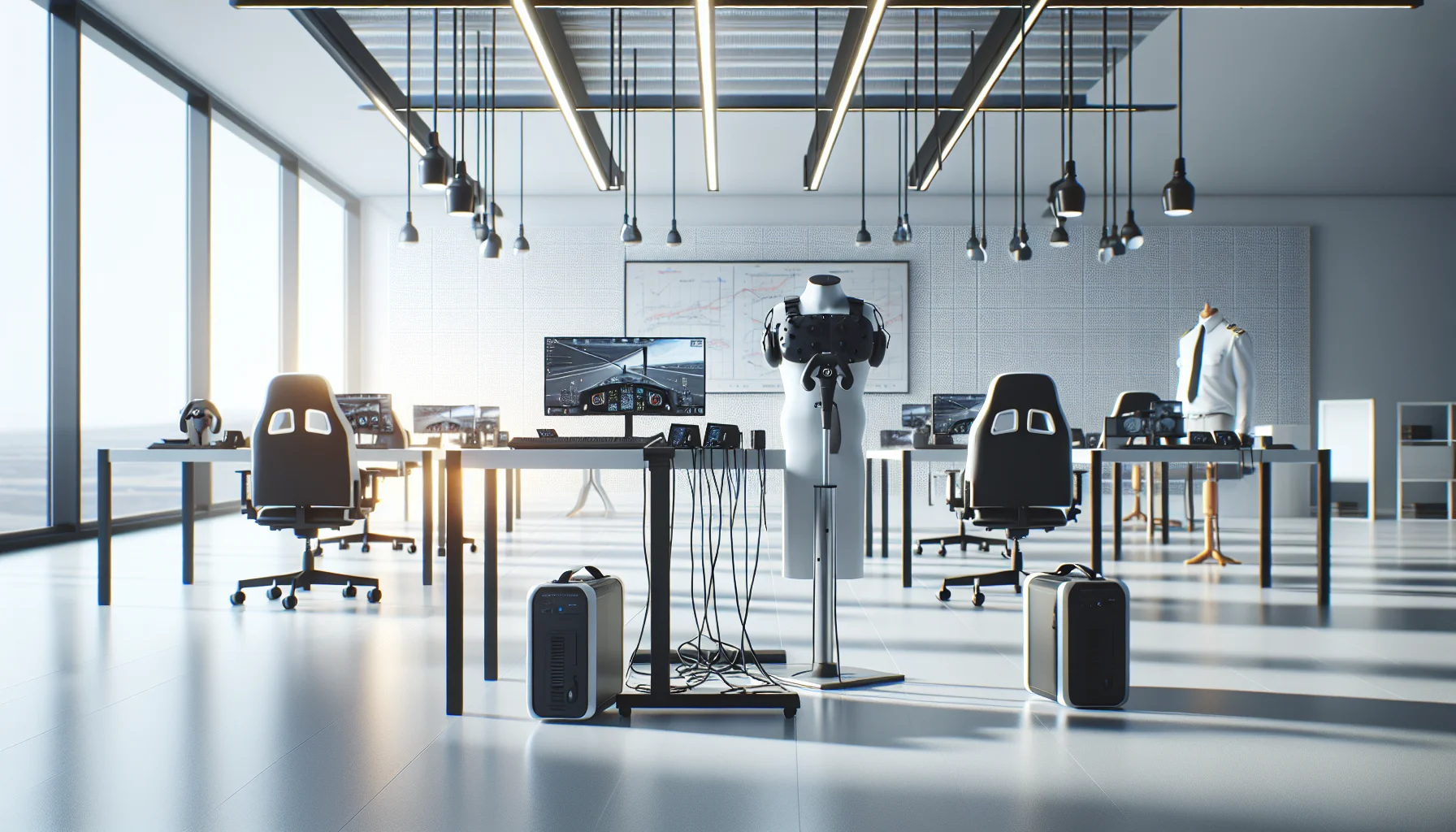
This article explains minimum specs for VR training hardware on a budget, comparing standalone VR headsets and tethered PC VR requirements. It outlines component priorities, cost bands, lifecycle expectations, procurement tips, a decision flow for matching fidelity to objectives, and a low-cost pilot checklist to validate assumptions before scaling.
VR training hardware decisions for budget deployments start with a clear alignment between training objectives and the hardware stack. In our experience, a disciplined minimum baseline cuts procurement waste and delivers repeatable training outcomes. This guide breaks down the stack — headsets, controllers, tracking, audio, input devices and optional haptics — and gives practical minimums, recommended-for-hyper-realism options, cost bands, lifecycle expectations and maintenance guidance.
The core components that determine performance and realism are straightforward: the headset, controllers, tracking system, audio, and any additional input or haptics. For budget deployments you must prioritize components that directly affect training fidelity and safety. Below we list the stack and short rationale for each item.
Choosing between standalone VR headsets and tethered PC VR hardware is the primary trade-off. Standalone headsets (like Meta Quest series or similar) offer lower procurement and IT overhead with acceptable fidelity for many soft-skills and procedural scenarios. Tethered PC VR provides higher fidelity for simulator-grade training but increases PC requirements and support burden.
For controllers, prioritize reliable tracking and ergonomic design. Inside-out tracking reduces setup time, while external base stations deliver marginally better precision for complex spatial tasks. For audio, a built-in spatial solution is acceptable for basic training; invest in higher quality spatial audio for safety-critical simulations.
Below are two practical spec tiers: the operational minimum that keeps cost low and a recommended-for-hyper-realism tier for scenarios where fidelity drives learning transfer.
The following baseline supports most budget training programs and pilot deployments:
These minimums balance cost and functionality and are suitable for procedural, compliance, and soft-skills training where extreme photorealism is not required.
When training requires high-fidelity visuals, low latency and precise tracking (e.g., medical simulation, heavy equipment operation), push to these specs:
Procurement and lifecycle planning are commonly overlooked but account for a large portion of total cost of ownership. Factor in device depreciation, battery cycles, headstrap replacements, and sanitation materials for multi-user deployments.
Procurement cost ranges:
We’ve found that expected lifecycle for consumer-class headsets in training fleets is 18–36 months before you need major repairs or replacements if devices are used daily. Enterprise-grade devices extend that to 3–5 years with proper maintenance.
Operationally, plan for:
In our experience, integrated administrative systems that centralize device provisioning, content updates and usage analytics materially reduce IT hours. We've seen organizations reduce admin time by over 60% using integrated systems like Upscend, freeing up trainers to focus on content.
Use a simple decision flow: start with the training objective, map fidelity needs, then match to the lowest-cost hardware that meets those needs. This prevents overspending on unnecessary fidelity.
High-level flow:
Example 1: Customer service role-play (soft-skills) — standalone headset, inside-out tracking, integrated audio, low maintenance. Example 2: Heavy equipment operator simulation — tethered headset, external base stations, high-spec PC, custom haptics and validated metrics capture.
Mini case — municipal emergency training pilot. Objective: teach evacuation routes and radio communication under stress. Constraint: $15,000 budget for a 20-person pilot.
Solution implemented:
Two persistent pain points are overspecifying for realism and underestimating IT and integration needs. Overspecifying drives cost without proportional learning gains; underestimating IT leads to downtime and stakeholder frustration.
Ask: which perceptual cues are necessary for transfer? If task success depends on fine visual discrimination, invest in higher-resolution headsets and GPUs. If the training is procedural sequence-based, lower-cost standalone VR training hardware will usually suffice.
Plan for network segmentation, MDM/EMM policies for standalone devices, and a clear update cadence. For tethered systems, ensure PCs meet the specified PC VR requirements and have room for GPU driver updates. Establish a simple troubleshooting playbook for trainers.
Prioritizing administration and device management early reduces friction more than marginal improvements in headset fidelity.
For budget deployments, focus on aligning the VR training hardware stack to the task, choose standalone solutions for scale and low overhead, and reserve tethered systems for where fidelity drives outcomes. Use the minimum specs above for pilots, and scale to higher tiers only after measuring transfer and trainee performance.
Next steps: run a 2–4 week pilot using the checklist above, capture objective performance metrics, and evaluate total cost of ownership over 24 months. Document maintenance touchpoints and create an IT playbook before wider rollout.
Checklist for pilots (final):
Ready to pilot? Start with a focused objective, choose the minimum hardware that meets it, and use the pilot checklist to validate assumptions before scaling.
The Upscend Team provides actionable insights on technology and business strategy.
Book a walkthrough and we'll show you how it applies to your own content.
 The Agentic Ai & Technical Frontier
January 4, 2026
This article lays out minimum specs and procurement ranges for budget VR training hardware, comparing standalone VR headsets and tethered PC VR requirements. It covers controllers, tracking, audio/haptics, lifecycle expectations, IT support needs, a decision flow, and a pilot checklist so teams can run small pilots and scale based on measured outcomes.
 The Agentic Ai & Technical Frontier
January 4, 2026
Choose affordable VR headsets by matching training goals to measurable optics: prioritize pixel density and optics for fine-motor work and FOV/tracking for spatial drills. We compare six practical models (Meta Quest 3, Pico 4, HP Reverb G2, Vive Pro 2, Quest 2) and give benchmarking, enterprise, and procurement guidance. Run pilots before scaling.
 The Agentic Ai & Technical Frontier
January 4, 2026
Assess affordable VR headsets for training by scoring optical fidelity (PPD), FOV and latency, plus ergonomics and enterprise tools. Pilot 10–20 units with real content, measure PPD/FOV in-context, and factor sanitation, warranties, and TCO. Match headsets to fine-motor or spatial training profiles before scaling.
Business Strategy&Lms TechJanuary 25, 2026
This article explains how HR teams should select and procure MR/VR headsets for onboarding, compliance, and soft-skill training. It compares common models and price tiers, outlines procurement channels, device-management best practices, warranty needs, and three pilot configurations (small, mid, enterprise) to reduce rollout risk and operational overhead.