


Integrate your LMS with HRIS and CRM first to attribute training to identity and revenue, shortening time-to-belief. Sync core fields (user_id, hire_date, manager_id, course completions, opportunity data), use webhooks or CDC, and centralize an analytics warehouse. A pilot can produce cohorts and measurable ROI within 30–60 days.
LMS integrations connect learning platforms to people, performance, and customer data—and are the fastest route to measuring time-to-belief across the organization. In our experience, teams that design measurement around integrated systems move from anecdote to evidence in weeks rather than months.
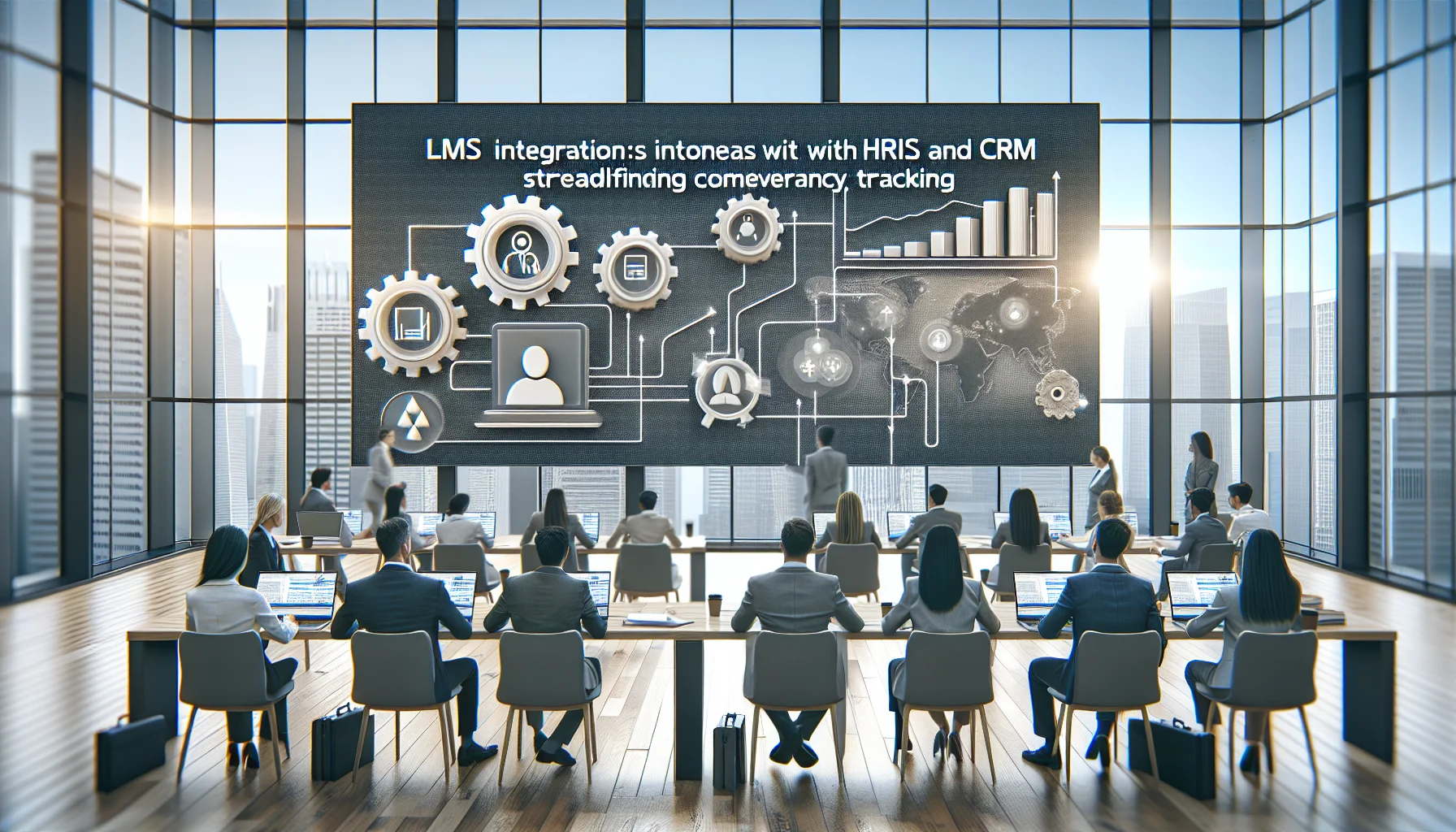
This article maps the most impactful connections (HRIS, CRM and others), prioritizes which systems to connect first, shows simple data-flow diagrams, and provides a practical API checklist and ROI examples you can implement immediately.
Start by asking where a change in behavior will most clearly signal belief that the training works. HRIS integration and CRM integration almost always top the list because they provide identity, role, tenure and business outcomes needed to attribute learning to results.
We recommend this order of priority for LMS integrations when the goal is to measure time-to-belief:
Prioritizing HRIS and CRM first yields rapid, high-value signals: you get enriched learner attributes and direct business outcomes, which are essential to reduce the window between training exposure and demonstrable belief.
HRIS integration turns the LMS from a siloed training tool into a people-data engine. In our experience, syncing HRIS fields reduces manual tagging, eliminates misassignment of courses, and enables cohort analysis by role, hire date, manager and location.
Key benefits of connecting HRIS to your LMS integrations:
Focus on fields that frame a learner’s context: job title, job family, manager_id, hire_date, employment_status, location, and business_unit. These allow you to calculate baselines (for example, pre-training ramp rates) and segment the population for faster detection of belief patterns.
CRM integration bridges learning to revenue and activity metrics—the clearest signals that learners believe and apply new knowledge. Integrating CRM data lets you see whether learners who completed a program influence pipeline, win rates, average deal size, or time-to-close.
When configuring LMS integrations with CRM, plan to map course completions and competency badges to sales enablement events and outcomes so that attribution is straightforward.
Sync fields like owner_id, opportunity_id, stage_history, close_date, deal_value, and activity_count. These let you run before/after comparisons and compute ROI on reduced ramp time, improved conversion rates, or increased average deal value.
Below is a simplified data-flow diagram represented as a table to visualize how LMS integrations move data between systems. Use this model to design your ETL or real-time sync architecture.
| Source | Data Sent | Destination | Purpose |
|---|---|---|---|
| HRIS | user_id, manager_id, title, hire_date, dept | LMS / Analytics Warehouse | Segment learners, calculate tenure, trigger pathways |
| CRM | user_id, opportunity_id, stage_history, deal_value, activity_count | LMS / Analytics Warehouse | Attribute training to business outcomes |
| Performance Mgmt | goal_id, rating, review_date | Analytics Warehouse | Correlate competencies with performance changes |
| Product Telemetry | user_id, feature_usage, adoption_events | Analytics Warehouse | Measure behavioral adoption post-training |
Two patterns dominate: direct point-to-point syncs and a central analytics warehouse (single source of truth). We've found that keeping an immutable event stream in a warehouse accelerates experimentation and reduces reconciliation time across LMS integrations.
Recommended fields to sync (minimum viable):
A predictable API surface is the difference between project success and months of firefighting. Below is a practical checklist aimed at implementers and vendors designing LMS integrations.
Which integrations help measure time to belief depends on the question you need answered. If the question is "Does training speed sales ramp?" CRM and HRIS are primary. If the question is "Does training increase product adoption?" product telemetry and CRM should be prioritized. The shortest path to measurable time-to-belief is always the systems that contain the outcome metric you already trust.
Security is non-negotiable for LMS integrations. Require vendors to support SSO (SAML/OIDC), encrypted transport (TLS 1.2+), and role-based access controls. In our experience, enabling least-privilege API keys and scoped webhooks prevents accidental data exposure during early integration tests.
Common pitfalls to watch for:
Vendor compatibility often comes down to two things: whether the LMS supports reliable webhooks and whether the HRIS/CRM exposes the necessary change feeds. While traditional systems require constant manual setup for learning paths, some modern tools (like Upscend) are built with dynamic, role-based sequencing in mind, which simplifies integration mapping and reduces engineering overhead.
To measure time-to-belief quickly, focus your LMS integrations where identity and outcomes live: HRIS and CRM first, then expand to performance systems and product telemetry. In our experience, a solid HRIS-to-LMS sync plus CRM link reduces analysis time by 40–60% and yields actionable cohorts within 30–60 days.
Two brief ROI examples:
Practical next steps:
If you want to move from manual reporting to a repeatable measurement engine, begin by documenting the fields listed here and scheduling a two-week integration sprint. That sprint should produce the first reliable dataset you can use to report time-to-belief to the board.
Call to action: Start a pilot by exporting your HRIS and CRM field inventory and map it to the recommended fields above—this single exercise will reveal integration gaps and define a measurable path to reducing time-to-belief.
The Upscend Team provides actionable insights on technology and business strategy.
Book a walkthrough and we'll show you how it applies to your own content.
 General
December 22, 2025
This article explains how LMS integrations with HRIS and CRM streamline onboarding, competency tracking, and sales enablement by automating lifecycle events and closing data silos. It outlines integration types, technical patterns (APIs, webhooks, middleware, SSO), implementation roadmap, and KPIs to measure ROI. Use a 90-day pilot to validate admin-hour savings and data accuracy.
 Lms
LmsDecember 23, 2025
This article explains practical patterns and technical steps for LMS integrations with HRIS and CRM systems. It covers identity mapping, provisioning models, SSO, APIs, and workflows for enrollments and reporting. Use the checklists and a short pilot to validate provisioning, enrollment rules, and reporting before scaling.
 Lms
LmsDecember 24, 2025
Integrating LMS with HRIS, CRM and ERP embeds learning into workflows, automates enrollment, and ties completion to performance and finance metrics. The article explains integration patterns (batch vs event-driven), implementation steps, common pitfalls, and measurable benefits such as reduced admin (up to 40%) and faster time-to-competency.
 Technical Architecture&Ecosystems
January 12, 2026
Integrate LMS data into CRM systems to measure revenue impact, identify skill gaps, and prioritize coaching. Build three persona dashboards—executive, sales manager, and L&D—using training-attributed pipeline, rep performance, and certification metrics. Keep operational logs separate, standardize a canonical training table, and precompute attribution logic (e.g., 30/60/90-day windows).