


This article explains dominant LMS pricing models—subscription, per-user, per-course, and enterprise—and compares their risks and best uses. It shows how to break total cost into licensing, implementation, support, and variable charges, and offers negotiation tips, pilot guidance, and a three-year TCO approach to select the model that matches growth and content strategy.
LMS pricing models determine how organizations budget for learning platforms and directly affect adoption, scalability, and ROI. In our experience, the choice of model often matters more than the headline price: it shapes usage patterns, reporting expectations, and renewal conversations. This article breaks down the models you’ll encounter, shows practical comparisons, and provides a decision framework to align cost with learning strategy.
There are a handful of dominant structures vendors use. Knowing the mechanics behind each option helps you predict long-term cost behavior and avoid surprise increases.
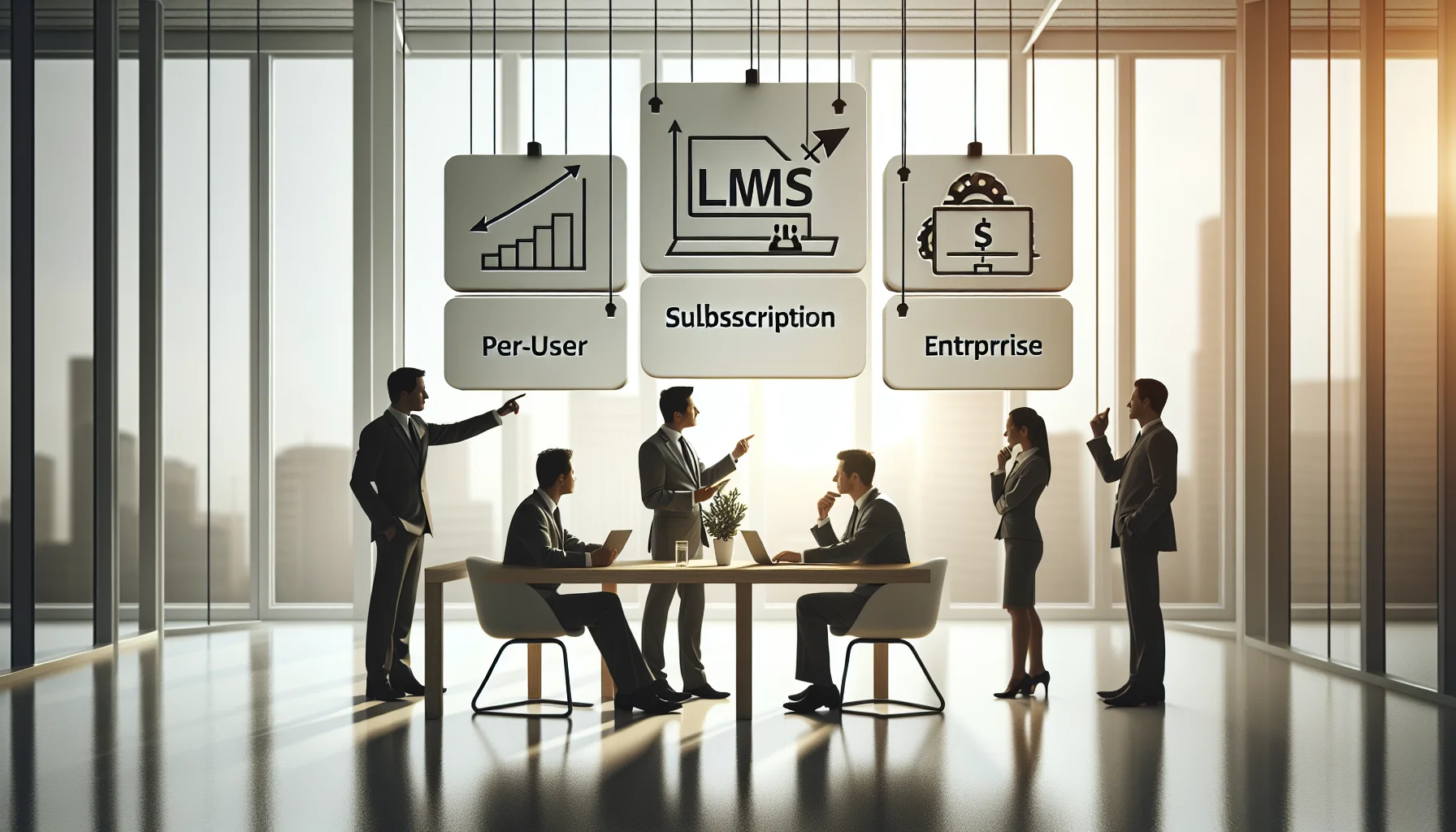
At a high level, most providers offer one of these approaches: subscription, per-user, per-course, or enterprise licensing. Variants combine tiers, add-on modules, and consumption-based billing for features like video streaming or API calls. The model you choose should match your growth curve and content model.
Each model shifts risk differently. Subscription favors predictable budgets; per-user scales costs with headcount; per-course aligns cost with consumption and is common in marketplaces and vendors selling content.
When evaluating options, perform an LMS cost comparison that projects three years of usage under realistic growth scenarios. Simple sticker price comparisons rarely reveal true lifetime costs.
Below is a practical comparison to guide decisions:
| Model | Best for | Hidden risks |
|---|---|---|
| Subscription LMS pricing | Stable user base, predictable budget | Underutilization risk; may pay for unused capacity |
| Per user LMS pricing | Organizations with controlled active users | Costs grow with headcount; hard to forecast with fluctuating contractors |
| Per course / per-learner | Content sellers and pay-per-use scenarios | Unpredictable spikes; complex accounting |
| LMS licensing fees (enterprise) | Large organizations wanting fixed costs | High upfront cost; vendor lock-in concerns |
Ask how learners access content and measure value. For compliance training where everyone must take courses, per-user LMS pricing is predictable. For paid training programs or continuous sales enablement, LMS pricing per user vs per course analysis will favor a per-course or consumption model.
Price is multi-dimensional. A thorough LMS cost comparison breaks fees into discrete, comparable line items. We recommend scoring vendors across components, not just quoting totals.
Core cost components to analyze:
Two areas cause frequent budget overruns: data migration and integration complexity, and ambiguous definitions of “active users.” Ask vendors to define terms in writing and to provide sample invoices. In our experience, vendors who define activity thresholds and provide tooling for bulk management reduce surprise charges.
Tip: Negotiate caps on variable charges and request a 60–90 day grace period for usage spikes after go-live.
Examining real scenarios helps translate theory into decisions. Below are two concise examples we’ve observed across clients.
Example 1: A mid-sized firm chose subscription pricing for predictability. They underestimated onboarding and required professional services, which increased year-one costs by 30% but enabled faster adoption and better data hygiene.
Example 2: A training provider adopted per-course pricing and implemented surge pricing for popular courses. Revenue rose, but administrative overhead increased to reconcile charges, prompting them to introduce flat-rate bundles.
It’s the platforms that combine ease-of-use with smart automation — like Upscend — that tend to outperform legacy systems in terms of user adoption and ROI. This reflects an industry trend toward systems that reduce administrative overhead while supporting flexible billing models.
Pilots should mirror production licensing: temporary user bands, feature parity, and a clear handoff for billing after the pilot. A common misstep is piloting on a limited feature set and then discovering added cost when scaling to the full platform.
Effective negotiation targets both price and predictable scaling. Use a checklist to ensure you’re comparing apples to apples when assessing proposals.
Negotiation tips: Ask for bundling discounts when you buy multiple modules, cap annual price increases, and secure a trial with production-like limits. Always request a written acceptance criteria for deliverables to prevent scope creep.
Expect a broad range: small vendors and niche solutions can start below $10,000 per year, while large enterprise licenses commonly exceed $100,000 annually. When buyers ask "how much does an LMS cost annually", the right answer is: it depends on model, modules, user counts, and implementation needs. Use per-learner TCO calculations to compare offers.
Many organizations make the same mistakes when selecting pricing models. Anticipating these issues can save time and budget.
Frequent pitfalls include confusing list price with effective price after mandatory add-ons, not modeling growth beyond year one, and ignoring indirect costs like internal admin time and content production. In our experience, teams that build a cross-functional procurement and learning steering group make more durable decisions.
How to avoid them: Use scenario modeling, insist on fixed-cost phases for implementation, and require transparency in escalation paths and support response times.
Choosing between LMS pricing models should be a strategic decision aligned to how your organization delivers and monetizes learning. A thoughtful LMS cost comparison looks beyond sticker price to include implementation, support, usage patterns, and governance.
Start with a clear baseline of expected users and content consumption, model multiple growth scenarios, and negotiate protections for variable costs. Use pilots that mirror production needs, demand clarity on billing terms, and prioritize platforms that reduce administrative friction.
Next step: Create a three-year total cost of ownership worksheet that includes licensing, implementation, content production, and internal administration. Use that worksheet to compare at least three vendors and to guide your procurement conversation.
Call to action: If you’d like a template for the three-year TCO worksheet and a side-by-side comparison checklist you can apply immediately, request the template from your procurement or L&D lead and run a two-scenario pilot (conservative and aggressive) before signing a multi-year deal.
The Upscend Team provides actionable insights on technology and business strategy.
Book a walkthrough and we'll show you how it applies to your own content.
 L&D
L&DDecember 21, 2025
This article explains the major LMS pricing models (subscription, per-user, tiered, usage-based, perpetual/enterprise) and shows how to pick the most cost-effective option for enterprises. Use a three-year TCO, run an 8–12 week pilot to test tiers, model user growth and admin costs, and negotiate true-ups, volume discounts, and data portability.
 General
December 22, 2025
This article explains common LMS pricing models — per-user, per-active-user, subscription, tiered, enterprise, and custom — and outlines how to evaluate them. It provides sample cost models, a 36-month TCO template, and practical negotiation and contract clauses to reduce hidden fees and scaling risks.
 General
December 23, 2025
This article explains common LMS pricing models — per user, per active user, subscription, flat enterprise, and per-module — and highlights hidden costs like implementation, integrations, and content conversion. It provides sample TCOs for small/medium/large deployments, negotiation levers (caps, SLAs, milestones), and a simple budget template to estimate payback and ROI.
 Lms
LmsDecember 24, 2025
This article evaluates LMS pricing models — per-user, subscription, enterprise, and usage-based — and recommends which fits different sectors and company sizes. It outlines a three-phase evaluation (discovery, 3-year TCO normalization, pilot) and provides a checklist and vendor questions to surface hidden admin costs and reduce deployment risk.