


This article outlines practical strategies for moderating learner-generated content in LMS environments, covering content policy design, hybrid moderation workflows, automation with human review, and community moderation. It explains KPI measurement, common pitfalls, and provides a 30-day pilot checklist to implement governance, SLAs, and reputation controls.
moderation learner generated content lms is the backbone of healthy learning ecosystems. In our experience, clear processes for moderation learner generated content lms reduce friction, preserve trust, and scale community learning. This article lays out practical, experience-driven strategies you can implement now: governance, workflow design, automation vs human review, community moderation, measurement, and common pitfalls.
We draw on classroom and corporate LMS operations to give concrete steps, templates, and a short checklist you can adapt. Expect specific examples of ugc moderation lms workflows, a framework for content policy lms, and tested methods for how to moderate learner generated content in lms without slowing engagement.
A strong content policy lms forms the single source of truth for moderation learner generated content lms. In our experience, teams that codify acceptable content, escalation thresholds, and appeal procedures reduce inconsistent takedowns and learner frustration.
Start with a concise policy that maps common scenarios: plagiarism, harassment, copyrighted material, misinformation, and low-quality submissions. Pair the policy with role definitions—who triages, who adjudicates, and who communicates decisions.
Every content policy lms should contain clear definitions, examples, and consequences. Use plain language and provide examples for edge cases.
Policy must reflect pedagogical goals. If peer critique is core to learning, allow more leeway for critical comments; if accreditation compliance is required, tighten rules for citations and factual claims. Aligning policy reduces conflict between moderators and instructors.
Choosing the right moderation model is a balance between scale and context. Common models include centralized staff moderation, distributed instructor moderation, and community moderation. Each model fits different program sizes and risk profiles for moderation learner generated content lms.
We've found that hybrid models—initial automation plus community flags, with staff review for escalations—deliver the best mix of speed and nuance.
How to moderate learner generated content in lms starts with mapping content types (comments, assignments, projects). For short-form comments use fast filters and community flags; for graded artifacts use instructor review and plagiarism checks. Define SLAs: e.g., 24-hour initial response for flagged items and 72-hour resolution for appeals.
A practical workflow for moderation learner generated content lms:
Automation accelerates coverage but lacks nuance. For ugc moderation lms, combine machine classifiers with human-in-the-loop review to handle context-sensitive issues. This hybrid system reduces backlog while maintaining accuracy for sensitive cases.
We’ve built and observed rules where automation handles profanity, duplicate content, and image scanning, while humans handle tone, intent, and academic integrity.
Defer to humans when intent matters (e.g., sarcasm, peer feedback that reads harsh but is constructive) or when disciplinary consequences are possible. Set confidence thresholds so automation flags uncertain items for human review rather than auto-removing content.
A turning point for most teams isn’t just creating more content — it’s removing friction. Tools like Upscend help by making analytics and personalization part of the core process, so teams can detect patterns and route content for review more intelligently.
community moderation can scale review and increase learner ownership. But it needs guardrails: reputation systems, transparent flagging reasons, and periodic moderator audits. In our experience, community moderation reduces staff load by up to 40% when paired with incentives.
Design incentives that reward constructive behavior—badges, course credits, or leaderboards tied to quality feedback rather than volume.
Mechanisms that work include reviewer reputation, blind re-review for quality, and temporary privileges for trusted reviewers. Encourage reviewers to leave short rationales for flags so moderators can learn patterns and update the content policy lms.
What you measure drives behavior. Track turnaround times, false positive/negative rates, learner appeals, and the impact of moderation on engagement. A robust analytics dashboard should tie moderation metrics to learning outcomes.
We recommend measuring the quality of moderation decisions, not just volume. Use random audits and inter-rater reliability checks to ensure consistency across reviewers.
Essential KPIs for moderation learner generated content lms include:
Frame reports around risk reduction and learning outcomes: show decreases in harmful incidents, stable or improved engagement, and reduced rework for instructors. Regularly update the content policy lms based on trends revealed by metrics.
Common mistakes include overzealous removal, opaque processes, and policies that conflict with pedagogical goals. To scale, codify decisions and create a knowledge base of precedent—this makes moderators faster and more consistent.
Another frequent pitfall: treating moderation as only enforcement. Moderation should also be a learning vehicle—provide corrective feedback to learners rather than simply removing content when possible.
Practical steps for scaling moderation include:
Strategies for moderating user contributed content in lms require a blend of prevention, detection, and remediation. Prevent with pre-submission guidelines and templates; detect with automation and community signals; remediate with clear communications and remediation resources.
Common pitfalls to watch: inconsistent enforcement, unclear appeals, and ignoring cultural context. Address these with transparent logs, audit trails, and inclusive policy development that involves instructors and learners.
Effective moderation learner generated content lms combines a clear content policy lms, hybrid workflows, smart automation, and engaged community moderation. In our experience, focusing on consistency, measurement, and transparency delivers the best outcomes for both safety and learning quality.
Start by drafting a one-page policy, implementing a triage workflow, and running a 30-day pilot that measures time to action and accuracy. Use the checklist below to get started quickly and build iterative improvements into your roadmap.
If you want a practical next step, run a 30-day controlled pilot focusing on one content type (discussion posts or peer reviews). Collect metrics on resolution time, appeals, and learner sentiment, then refine your ugc moderation lms approach based on real data.
Call to action: Review your current moderation playbook this week—identify one rule to simplify, one workflow to automate, and one community incentive to pilot. Track the results and iterate every 30 days to improve consistency and learner trust.
The Upscend Team provides actionable insights on technology and business strategy.
Book a walkthrough and we'll show you how it applies to your own content.
 General
December 22, 2025
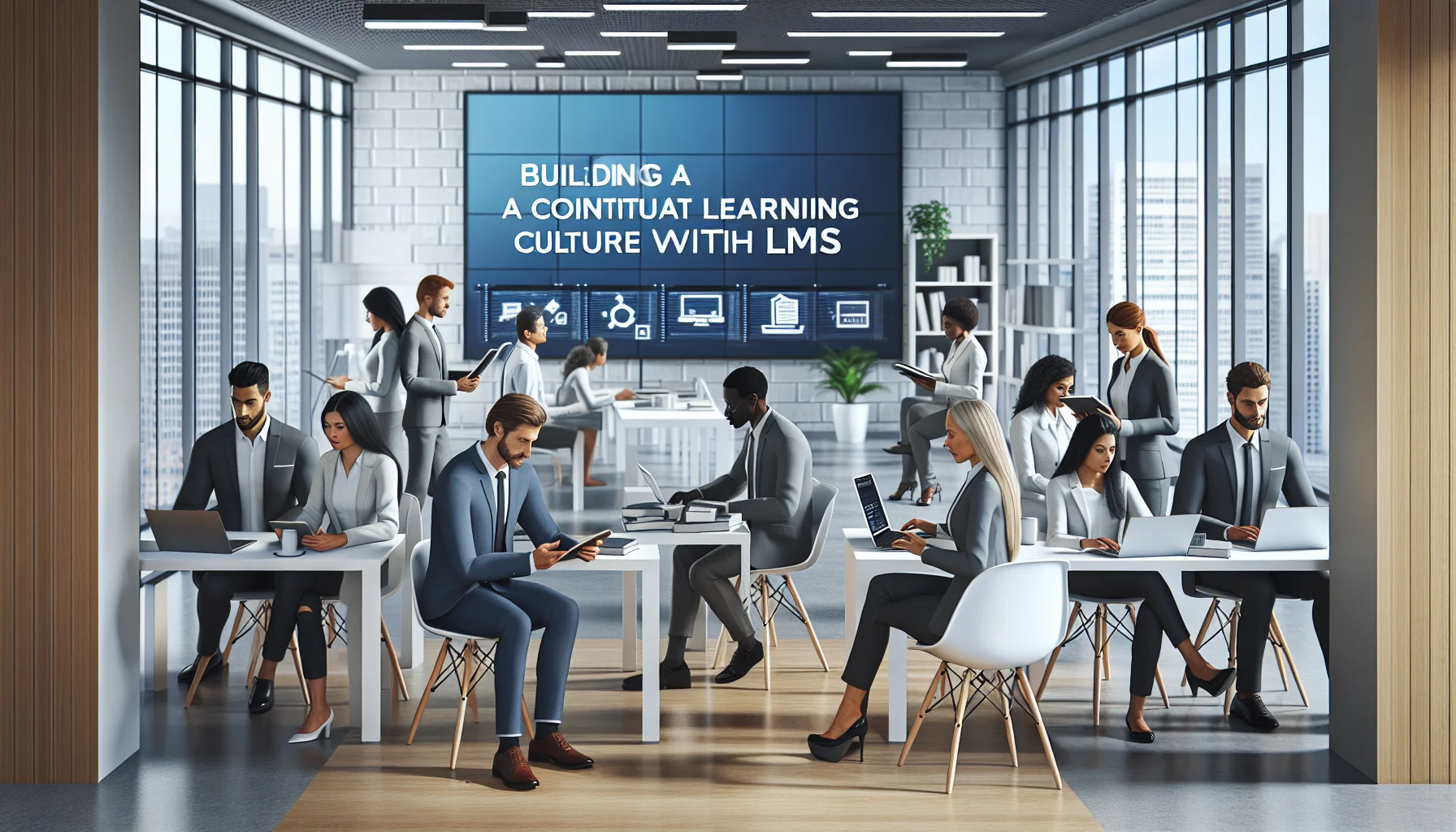
This article outlines evidence-based strategies to build a continuous learning culture using an LMS. It covers leadership sponsorship, career-aligned learning pathways, manager enablement, social learning, recognition, and a 12-week pilot blueprint with measurement tips. Follow the checklist to increase LMS engagement, retention, and internal mobility.
 General
December 22, 2025
This article explains practical steps to build an LMS content governance model: define roles and course ownership policies, map lifecycle stages, run regular content audits, and implement workflows and automation. Prioritize high-risk courses, track engagement and quality KPIs, and start with a 90-minute pilot audit to prove impact.
 General
December 23, 2025
This article outlines practical best practices for LMS content creation and content curation: start with strong instructional design and measurable objectives, build modular microlearning assets, enforce metadata and taxonomy, and support SCORM and xAPI interoperability. It also recommends production workflows, governance, and a 90‑day pilot to validate packaging, localization and analytics.
 Lms
LmsDecember 23, 2025
Practical playbook for curating content LMS: define governance and KPIs, choose a hybrid sourcing model (marketplace, aggregator, direct), standardize metadata and integrations (LTI, SCORM, xAPI), and negotiate scalable licensing. Implement a 90‑day pilot, measure utilization and cost-per-skill, then iterate quarterly to optimize vendor mix and discoverability.