


This article shows how to diagnose LMS dissatisfaction using seven engagement and behavioral metrics plus targeted learning survey questions. It explains how to combine NPS and CSAT with behavioral signals like search abandonment and session paths, and presents a five-step remediation plan with timelines (4–8 weeks for UX fixes, 8–12 weeks for content). Use the sample questions to establish a baseline and run small experiments.
To diagnose LMS dissatisfaction quickly and accurately, you need a structured approach that combines quantitative metrics with targeted feedback. In our experience, teams that only track course completions miss the deeper signals that drive frustration: navigation issues, irrelevant content, and poor personalization. This guide outlines seven practical metrics and survey strategies to surface the underlying causes of LMS friction and gives step-by-step actions you can take to fix them.
Read on for measurable indicators, sample learning survey questions, and implementation tips that help L&D leaders move from anecdote to evidence.
When you set out to diagnose LMS dissatisfaction, start with a concise dashboard of core indicators. Track a mix of platform-level and content-level metrics so you can separate structural problems from course quality issues.
User engagement metrics should be front and center: frequency of login, session duration, module completion rate, and active users per week. These show whether learners find the LMS useful and accessible. Complement these with content signals like drop-off points, quiz pass rates, and time-on-module.
Prioritize the following list for a practical, actionable view:
By pairing these metrics with UX indicators like search abandonment and bounce rate, you create an early-warning system that helps you diagnose LMS dissatisfaction without relying solely on subjective reports.
Quantitative metrics tell you where the problem is; surveys explain why. Designing the right set of questions is essential to complement your analytics and to answer the question: how satisfied are learners, and why?
We've found that mixing closed and open questions yields the most actionable insight. Use rating scales for trend analysis and one or two open prompts to capture verbatim issues.
Include these targeted items to measure sentiment and surface specific pain points:
These learning survey questions produce structured data you can slice by team, role, or location to detect patterns that raw engagement metrics might miss.
To reliably diagnose LMS dissatisfaction, combine industry-standard scores with internal measures. Net Promoter Score (NPS) and Customer Satisfaction (CSAT) are complementary: NPS tracks long-term advocacy, CSAT tracks immediate task completion satisfaction.
Training effectiveness LMS assessments add another layer—measure whether learners apply knowledge on the job. Post-training assessments, manager observations, and performance KPIs close the loop between course completion and business outcomes.
Implement a cadence that balances signal and survey fatigue. A recommended schedule:
Combine scores with qualitative comments. In our experience, a rising NPS alongside falling completion rates points to discoverability problems rather than content quality issues—an essential distinction when you diagnose LMS dissatisfaction.
When analytics show disengagement, use behavior-level signals to identify friction points. Session recordings, click paths, and search logs reveal where learners stop, get lost, or abandon tasks.
We recommend these steps: capture task funnels, analyze search queries, and map the most common click sequences that lead to abandonment. This makes it possible to prioritize UX fixes that yield measurable improvements.
The turning point for most teams isn’t just creating more content — it’s removing friction. Tools that combine analytics and personalization can surface patterns across cohorts and automate remediation; for example, Upscend helps by making analytics and personalization part of the core process.
Focus on signals that map directly to user intent:
Pair these with segment analysis (role, tenure, location) and you can confidently trace whether dissatisfaction stems from UX, content relevance, or platform performance—so you can prioritize fixes where they matter most.
After you measure and triangulate data, you need a concrete plan to fix issues. Here’s a reproducible five-step process we use to move from diagnosis to impact:
Use leading indicators (search success, session length) and lagging indicators (NPS, performance KPIs). A realistic timeline is 4–8 weeks for UX changes and 8–12 weeks for content rewrites to show measurable improvement. In our experience, combining a targeted survey after the change with the same engagement metrics you used to diagnose the problem provides the cleanest comparison.
Most teams make avoidable mistakes when they try to diagnose LMS dissatisfaction. Here are the recurring pitfalls and our recommended safeguards.
Pitfall 1: Relying on a single metric. Fix: triangulate with at least three data sources (engagement, satisfaction, behavioral analytics).
Pitfall 2: Treating feedback as complaints rather than signals. Fix: categorize feedback into usability, relevance, and access, then prioritize by user impact.
Adopt these operational practices:
By avoiding these pitfalls and embedding a repeatable feedback loop, you convert dissatisfaction data into continuous improvement rather than one-off fixes.
To reliably diagnose LMS dissatisfaction, you must combine robust lms satisfaction metrics, well-designed learning survey questions, and detailed behavioral data. This tripartite approach lets you distinguish whether problems are caused by UX, content relevance, or lack of measurable training effectiveness.
Start by instrumenting a compact dashboard of user engagement metrics, run focused surveys using the sample questions above, and prioritize fixes with a simple remediation plan. A cycle of diagnose → experiment → measure will rapidly reduce friction and prove value to stakeholders.
If you want to get started today, pick one critical workflow (onboarding or compliance training), implement the recommended metrics and survey items, and run a four-week experiment. Track outcomes with the same indicators you used to diagnose the issue to demonstrate clear improvement.
Next step: Audit the top three metrics in your LMS this week and run a short pulse survey using the "ease of finding content" and "overall satisfaction" questions to establish a baseline.
The Upscend Team provides actionable insights on technology and business strategy.
Book a walkthrough and we'll show you how it applies to your own content.
 General
December 14, 2025
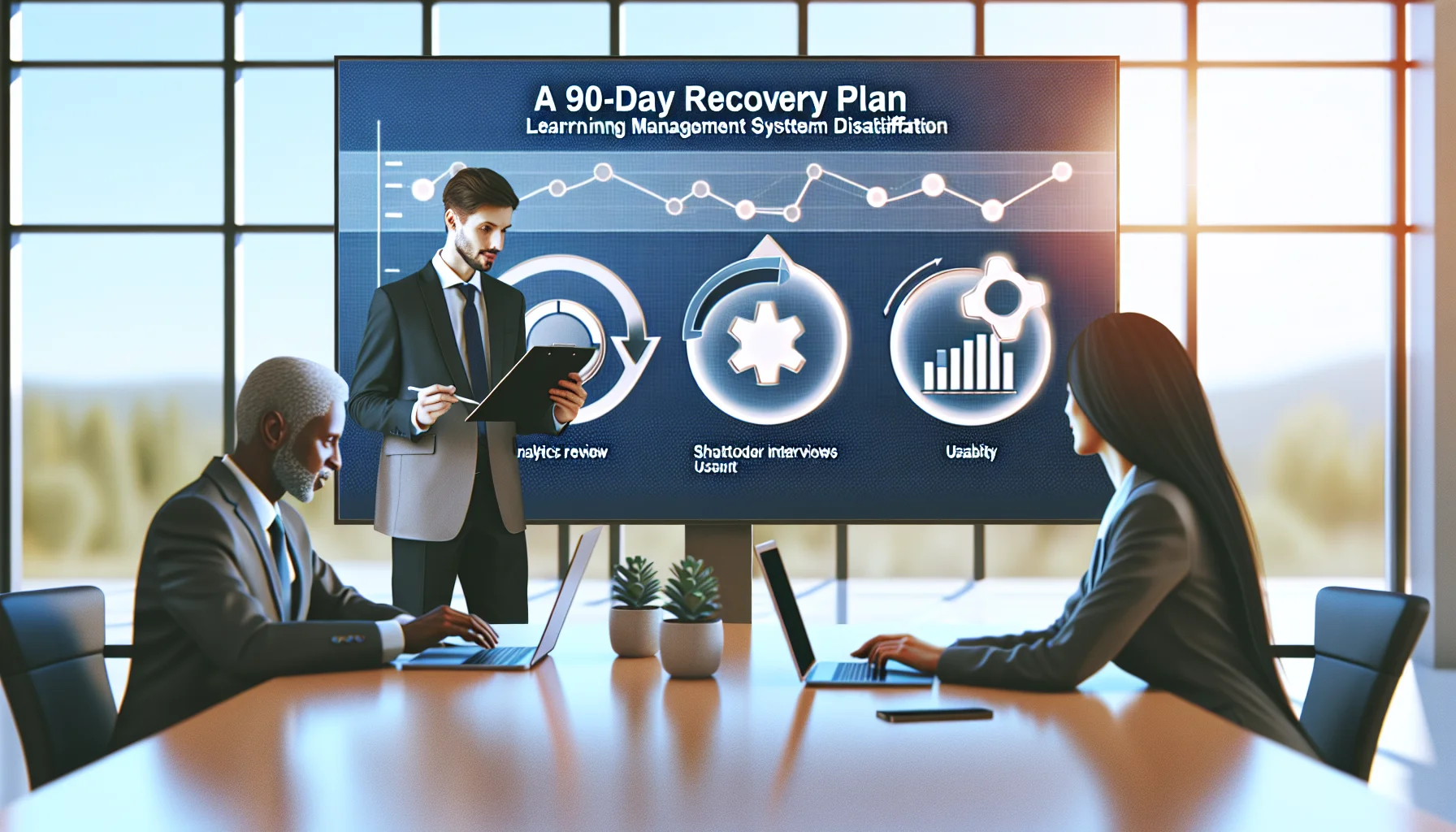
This article outlines a three-stage diagnostic—analytics review, stakeholder interviews, and usability testing—to identify LMS dissatisfaction drivers. It prioritizes quick wins (0–30 days), medium fixes (30–120 days), a 90-day recovery plan, and governance practices to measure and sustain LMS user adoption.
 L&D
L&DDecember 14, 2025
This article explains why LMS dissatisfaction arises—from UX, content fit, integrations, and governance—and offers a three-step diagnostic and prioritized roadmap. It lists quick wins (simplify navigation, fix links, microlearning) and longer structural fixes (SSO, governance, curriculum redesign), plus metrics and a measurement cadence to track improvements.
 General
December 14, 2025
This article identifies common LMS dissatisfaction causes across technical, UX, and organizational domains. It presents a five-step diagnosis framework—telemetry, micro-surveys, task tests, stakeholder mapping, and impact-effort prioritization—and recommends short sprints, cross-functional squads, and governance to deliver measurable improvements within 8–12 weeks.
 L&D
L&DDecember 14, 2025
In this LMS dissatisfaction case study a mid-size services firm cut complaint volume 60% in six months by combining 60-day operational sprints with a 6–12 month remediation roadmap. Key actions included taxonomy and metadata standardization, UX simplification, automation, and governance, producing faster ticket resolution and higher completion rates.