

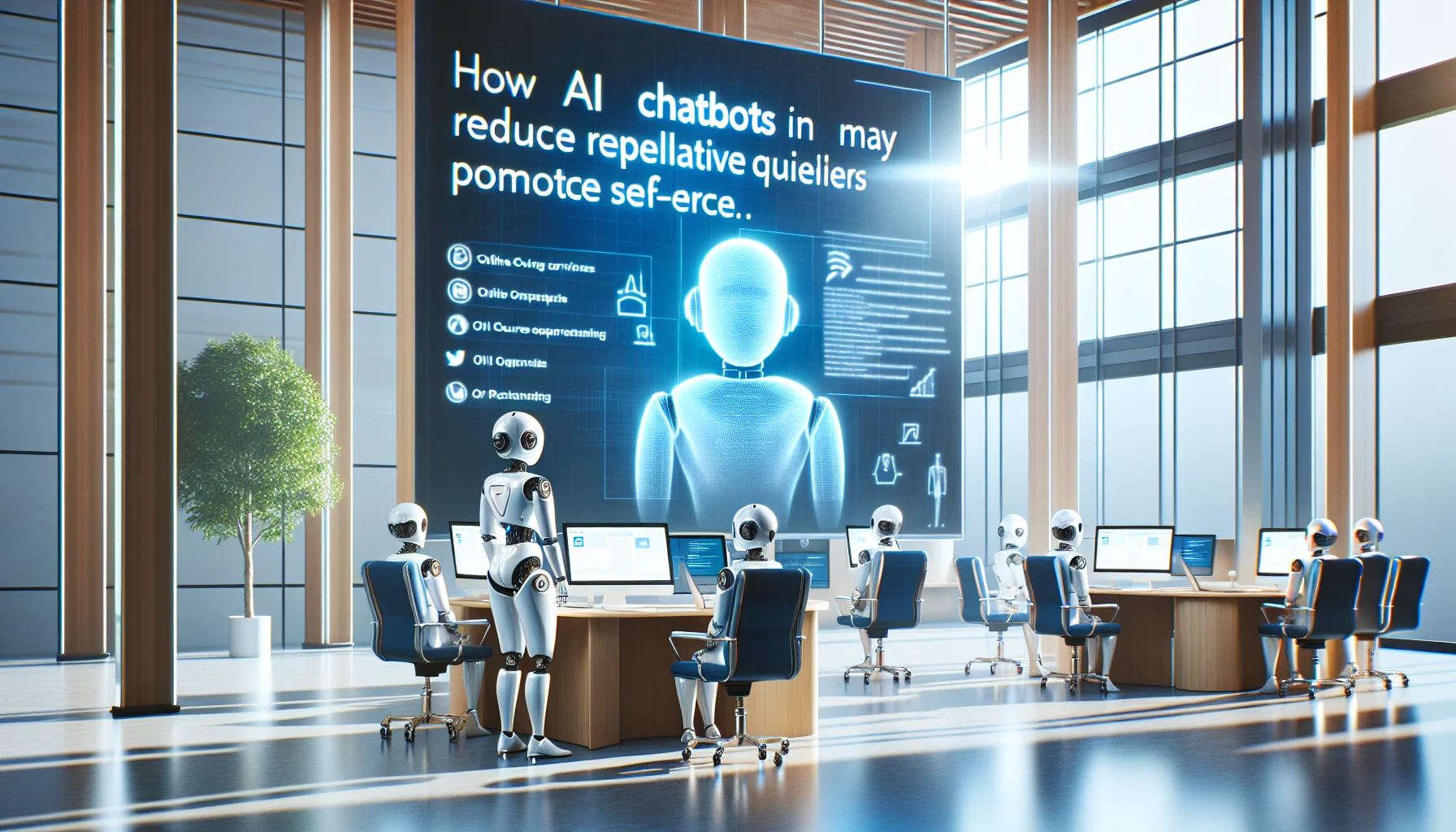
Course-embedded AI chatbots reduce repetitive queries and enable self-service by using course context, semantic indexing, session state, and helpdesk integration. Organizations commonly see ~40% fewer internal support tickets when prioritizing high-volume flows, measuring containment and accuracy, and maintaining governance and content ownership during rollout and scaling.
AI chatbots for courses are transforming how organizations deliver learning and handle learner questions. In the first 60 words, it's important to state that an AI chatbots for courses strategy reduces friction, routes answers in-context, and prevents repetitive help requests. In our experience, embedding AI chatbots for courses into the learning experience short-circuits common user problems and drives measurable reductions in support demand.
This article explains why AI chatbots for courses work, how a 40% reduction in internal support tickets is achievable, and what practical changes teams must make. You'll get architecture options, change-management steps, metrics to track, ROI examples, anonymized case studies, and a vendor checklist to guide procurement.
AI chatbots for courses reduce repetitive queries, accelerate learner self-service, and provide contextual guidance that eliminates many ticket triggers. Organizations deploying course-embedded AI assistants typically see rapid reductions in ticket volume; a 40% decrease is a conservative, evidence-based benchmark when the assistant is well-integrated.
At a high level, a well-designed AI chatbots for courses deployment focuses on: improving answer accuracy with course context, automating common flows (password resets, enrollment help), and routing complex issues to human agents with enriched context. These elements combine to lower the number of issues that become formal support tickets.
Traditional helpdesks rely on keyword matching, ticket forms, and agent triage. By contrast, contextual AI assistants embedded in courses use content-aware retrieval, user state, and learning-path context to provide immediate, personalized answers. This distinction is central to why AI chatbots for courses are more effective at preventing tickets.
Where a helpdesk expects a learner to know what to ask and to wait for a response, a course-embedded assistant anticipates common friction points and surfaces solutions inline. That means fewer escalations to formal internal support tickets and faster resolution when human help is required.
Contextual AI assistants combine three capabilities: content indexing, session-state awareness, and intent classification. Together, these let the assistant answer questions like “What did the instructor say about grading?” or “How do I rewatch module 2?” without forcing a separate support interaction.
Because the assistant accesses course content and metadata, it can deliver precise citations and links to the exact module or slide, which reduces ambiguity and the need for customers to open support tickets.
Helpdesk automation focuses on routing and templated replies. While valuable, helpdesk automation alone lacks the course context required to fully resolve learning-related queries. Embedding AI chatbots for courses complements helpdesk automation by resolving more questions at the source and lowering the load that reaches the helpdesk.
Helpdesk automation remains important for workflows that require approvals, audit trails, or complex troubleshooting, but it should be part of a broader, contextual assistant strategy.
Understanding the data and process flows is critical to designing a course-embedded assistant that reduces tickets. AI chatbots for courses operate across three layers: content layer (course materials), user layer (learner profile and progress), and orchestration layer (query handling, routing, and logging).
When these layers are integrated, the assistant resolves many problems before they become tickets. The assistant can detect where learners are stuck (progress gaps, repeated quiz failures) and proactively intervene with targeted suggestions.
Index course text, slides, transcripts, and assessment rubrics with semantic search. This gives AI chatbots for courses the ability to provide exact references and answer questions without human intervention. Good indexing includes update timestamps, content ownership, and relevance scoring.
With indexed content, the assistant can return snippets and links that let learners self-serve, reducing the number of queries that escalate into internal support tickets.
Track learner progress, recent actions, and device/environment signals. When a user asks for help, the assistant constructs a contextual query that narrows intent and provides precise guidance. If escalation is required, the assistant creates a ticket populated with the learner's state, attempted steps, and suggested fixes — reducing time-to-resolution for agents.
This automated enrichment reduces back-and-forth and the total number of tickets by preventing many issues and resolving escalations more quickly.
To measure the impact of AI chatbots for courses, track a balanced set of volume, quality, and business metrics. Relying on ticket count alone misses important dimensions like answer quality and learner satisfaction.
Below are the core metrics that correlate most closely with a 40% ticket reduction.
Tracking containment and escalation together tells you whether fewer tickets are a result of better self-service or simply of bot deflection.
High containment with poor accuracy will erode trust. Aim for a short-term strategy that emphasizes accuracy first, then scales coverage.
Quantifying the ROI of AI chatbots for courses involves measuring saved agent hours, faster course completion, and reduced friction in onboarding or compliance. Below are anonymized scenarios showing how organizations achieved 30–50% ticket reductions.
These examples illustrate typical paths to 40% reductions: focusing on high-volume pain points, improving accuracy, and integrating with helpdesk systems for efficient escalations.
An enterprise training team integrated an assistant into a technical certification course. Before deployment the helpdesk received recurring queries about exam rescheduling, lab access, and environment setup. After indexing lab guides and embedding contextual workflows, the organization recorded a 45% reduction in these repetitive tickets within 10 weeks.
Key drivers were targeted content coverage (lab setup guides), proactive nudges when learners stalled, and improved routing for true escalations.
In an HR onboarding program, a course-embedded assistant answered benefits questions, payroll scheduling, and first-week task checklists. The assistant handled frequently asked questions and initiated automated tasks (e.g., benefits enrollment prompts), producing a 38% drop in HR helpdesk tickets in the first quarter.
Because onboarding requires up-to-date policy content, the HR team paired the assistant with a content-owner workflow to keep answers current.
IT integrated a course assistant to troubleshoot common access issues (SSO, VPN, browser compatibility). The assistant used diagnostics to detect common causes and trigger device-specific guidance, reducing IT-related training tickets by 40% and decreasing average agent handle time by 22%.
This case highlights the power of combining diagnostics with in-context help to avoid manual triage.
We’ve seen organizations reduce admin time by over 60% using integrated systems; Upscend-based deployments produced similar gains, freeing up trainers to focus on content and learners instead of operational tasks.
Delivering a 40% reduction with AI chatbots for courses requires a phased approach: prioritize high-impact flows, pilot, measure, iterate, and scale. Below is a practical roadmap that teams can follow.
Successful implementations treat the assistant as a feature of the learning experience, not a detached project. That means cross-functional ownership and measurable objectives from day one.
Identify the highest-volume ticket categories tied to courses and map the learner journeys where friction occurs. Prioritize content and workflows that drive the majority of internal support tickets. Build a backlog of intents and an initial set of canonical answers.
Deliverables: prioritized intent list, content inventory, pilot plan.
Deploy a focused assistant in a single course or cohort. Measure containment, accuracy, and satisfaction. Train the model on course assets and set up analytics to track metrics. Iterate on failure cases and expand content coverage.
Deliverables: containment baseline, accuracy improvements, escalation templates.
Deliverables: cross-course coverage, integrated workflows, SLA improvements.
Establish a content governance cadence, retrain models on new assets, and maintain analytics dashboards. Continuous measurement and content updates drive sustained ticket reduction over time.
Deliverables: ops playbook, content owners, monthly performance reviews.
Choosing the right vendor is a critical step when adopting AI chatbots for courses. The assistant must understand course context, integrate with LMS and helpdesk systems, and meet security and governance requirements.
Use the checklist below during vendor evaluations and procurement discussions.
Vendors should demonstrate real course deployments and share anonymized performance data. Ask for pilot metrics that align with your key objectives — not generic usage stats.
Evaluate the vendor's content maintenance model, SLA commitments, and ability to support multi-tenancy if required. Confirm how updates to course material propagate to the assistant and whether retraining is automated.
Assess vendor professional services: successful deployments often require initial integration and content engineering support.
Adoption risk, accuracy, and stale content are common pain points for teams deploying AI chatbots for courses. Address these proactively with governance, clear ownership, and learner-facing transparency.
Change management is as important as technology. Without clear stakeholder roles and a maintenance cadence, containment gains erode over time.
Assigning clear owners accelerates content updates and improves trust in the assistant’s answers.
We recommend a 4–6 month timeline from discovery to broad rollout for most mid-sized organizations. Start with high-impact pilots, then expand by cohort. Use these tactics to increase adoption:
Encourage learners and trainers to use the assistant first; make human help the fallback rather than the first option.
Embedding AI chatbots for courses delivers a measurable pathway to reduce internal support tickets by 40% when approached strategically. The combination of course context, semantic content retrieval, targeted automation, and integrated escalation creates a self-service experience that resolves many issues before they become tickets.
Key takeaways: prioritize high-volume pain points, emphasize accuracy and governance, integrate with helpdesk systems for enriched escalations, and measure a balanced mix of containment, accuracy, and business outcomes. With the right roadmap and cross-functional ownership, teams can sustain and improve ticket reduction over time.
If you want a practical next step, pick one high-volume course, map its top five ticket drivers, and run a 6–8 week pilot to measure containment and satisfaction. That pilot will give you the data you need to justify scale and estimate the full program ROI.
Call to action: Identify one training program that generates the most support tickets, run a focused pilot with a course-embedded assistant for 8 weeks, and measure containment, accuracy, and ticket reduction to validate the 40% target.
The Upscend Team provides actionable insights on technology and business strategy.
Book a walkthrough and we'll show you how it applies to your own content.
 Ai
AiDecember 25, 2025
This article presents a practical framework for using course content optimization AI to lower support tickets through audits, canonical answers, tagging, embeddings, in-course triggers, versioning, localization, and A/B testing. Follow the checklist to canonicalize top ticket drivers, add microlearning snippets, run A/B tests, and measure ticket-rate and follow-up improvements.
 Ai
AiDecember 25, 2025
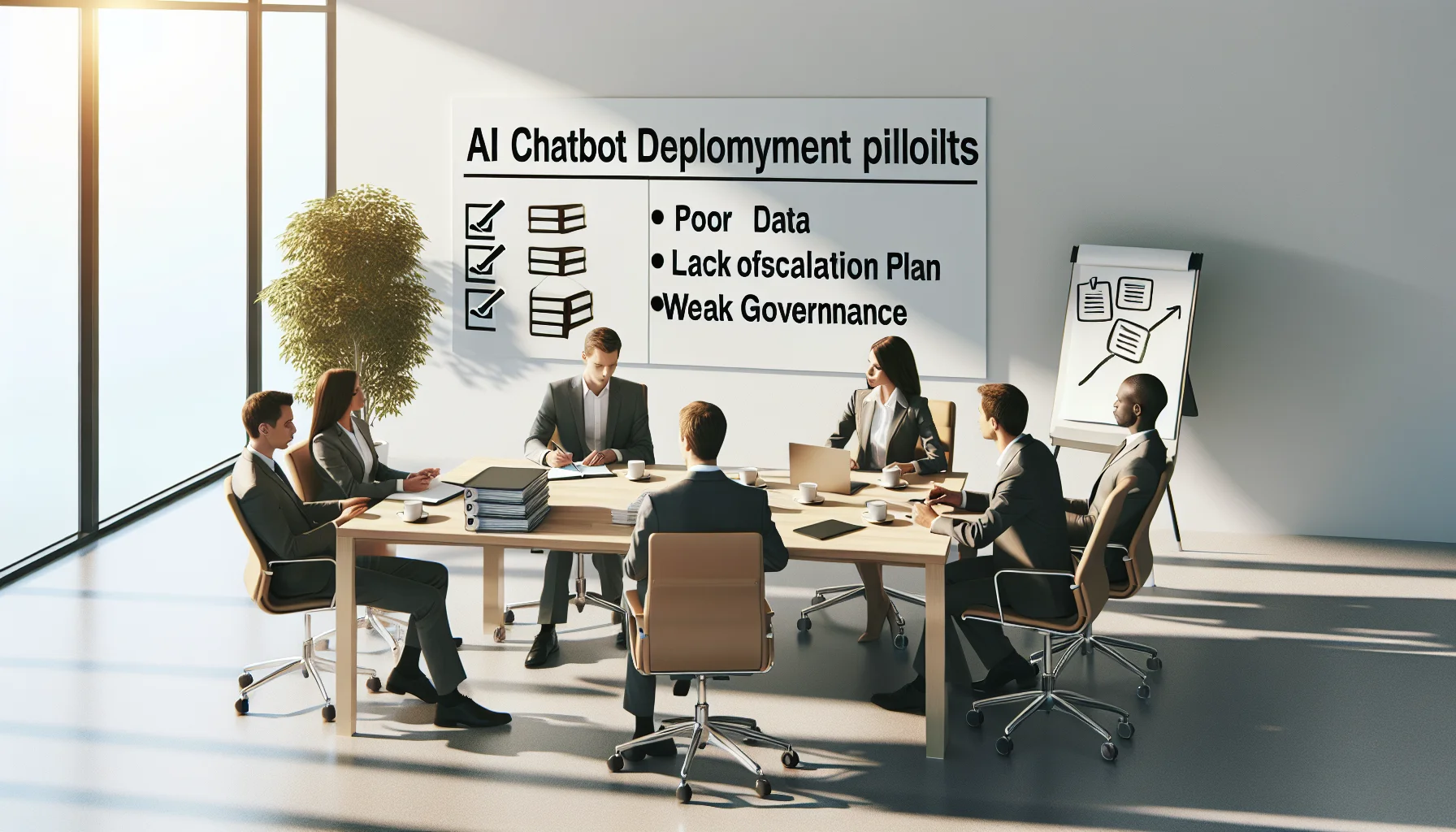
Article summarizes the top 10 AI chatbot deployment pitfalls—poor data, missing escalation, weak governance, skipped pilots, UX and measurement failures—and provides mitigation checklists, remediation examples, and a reusable postmortem template. Learning leaders and L&D teams get a compact implementation checklist to run controlled pilots, enforce governance, and measure outcomes.
 Ai
AiDecember 28, 2025
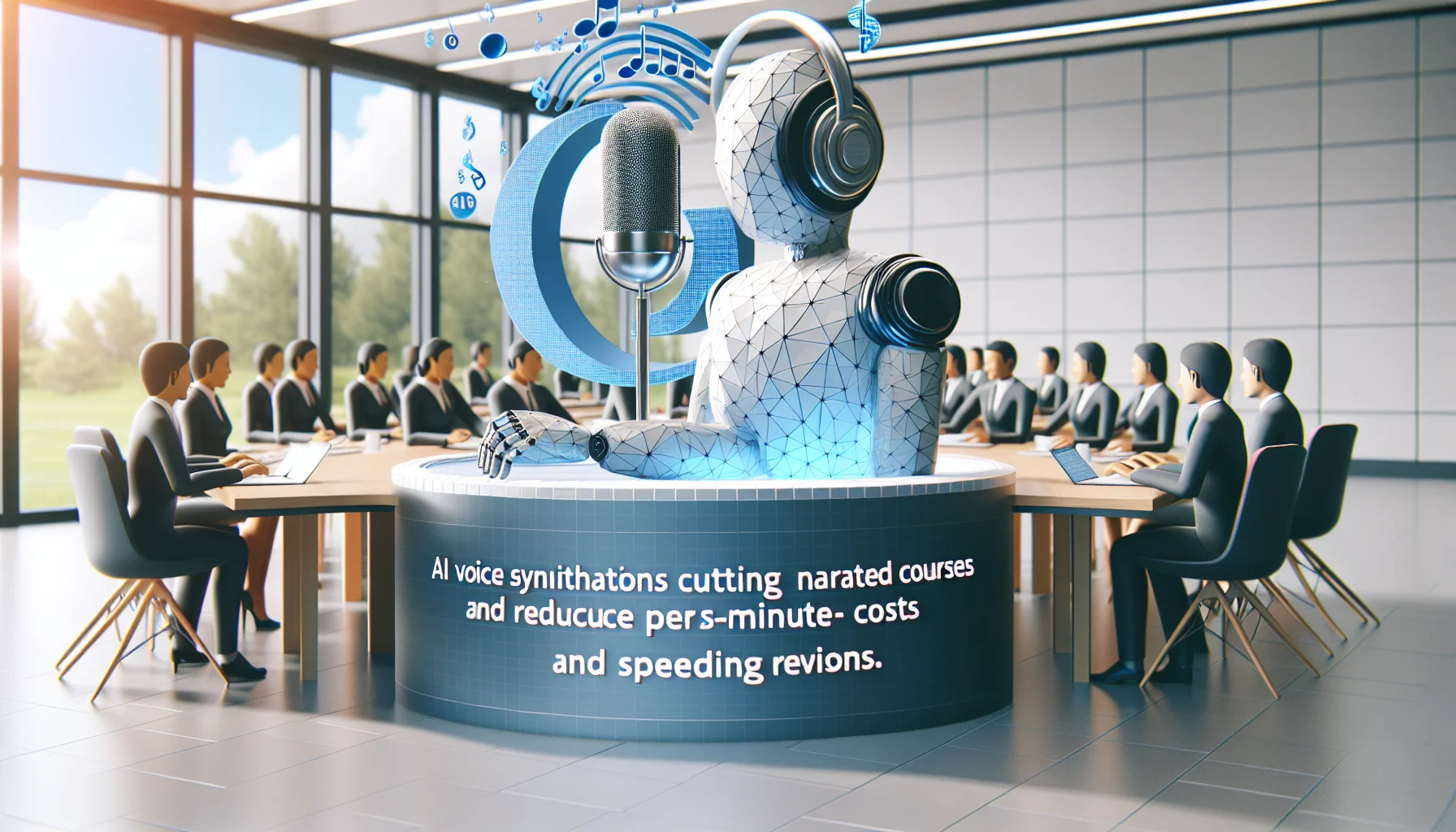
AI voice synthesis lets educators scale narrated courses by cutting per-minute costs, speeding revisions, and enabling consistent localization. This article compares TTS types, cost models, and licensing; provides vendor checklists, sample budgets, a decision flowchart, and QA practices to implement budget-friendly e-learning voiceover with measurable ROI.
 Psychology & Behavioral Science
January 12, 2026
AI-driven recommendations ingest interactions, assessments, and contextual signals to rank next-best learning actions and retrain via continuous feedback. Versus static curricula, they scale individualized pacing, reduce decision points for learners, and improve measurable outcomes (e.g., 22% faster time-to-mastery, 18% higher 30-day retention) when paired with strong data hygiene and governance.