

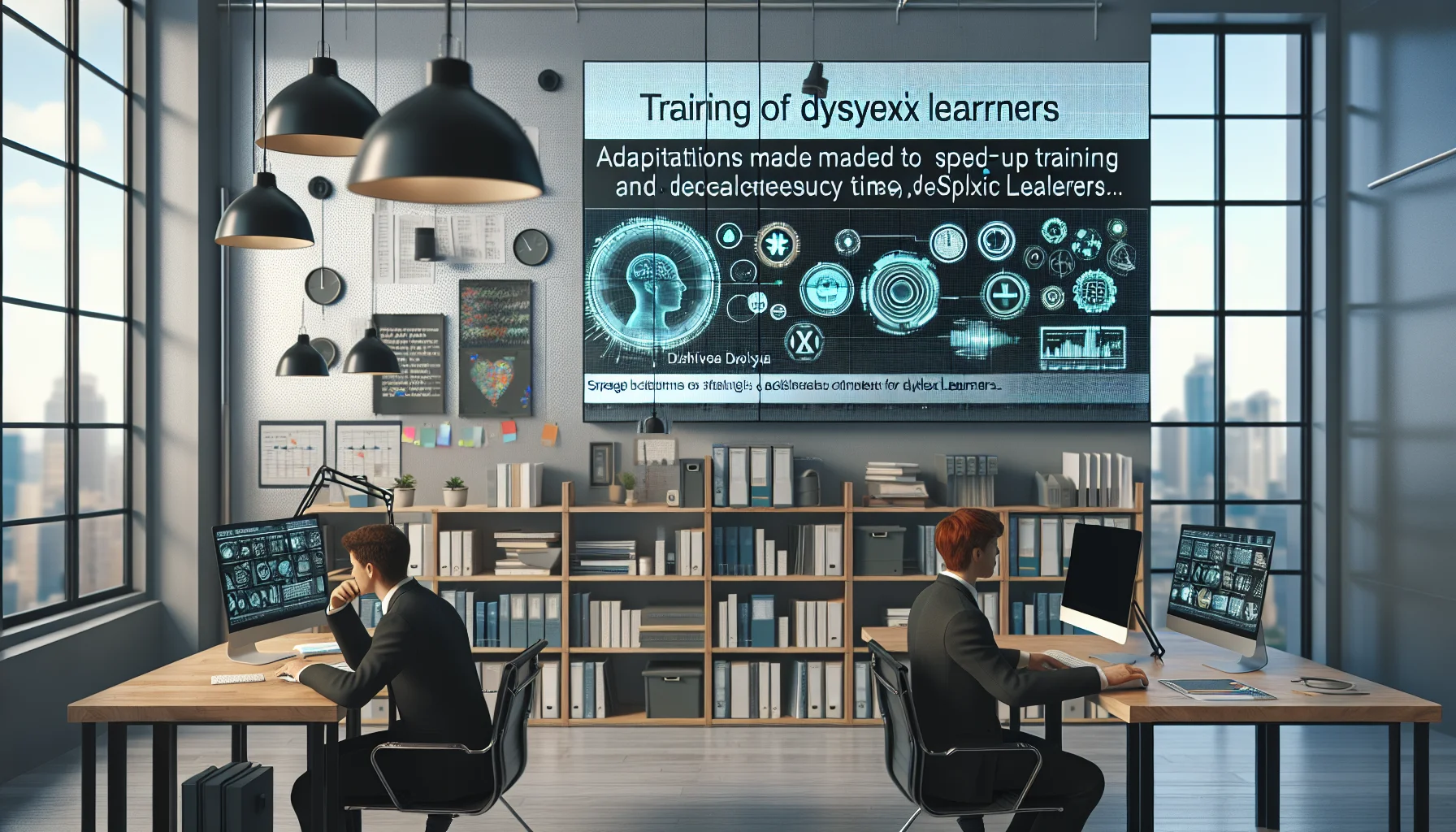
This article explains how to adapt workplace and classroom training for dyslexic learners by reducing cognitive load, using plain language, multimodal delivery, and structured templates. It gives practical adjustments — fonts, audio, pacing, checklists — plus case-study outcomes and a checklist to measure improvements in error rates and time-to-competency.
When planning training for dyslexic learners, the first priority is reducing unnecessary cognitive load while preserving learning outcomes. In our experience, successful programs balance clear content design with flexible delivery. This article explains the key reading and processing challenges dyslexic learners face and provides a step-by-step framework to adapt workplace and classroom learning so it is inclusive, efficient, and measurable.
We use evidence-based practices and practical examples aimed at L&D teams, managers, and instructional designers who need actionable adjustments that reduce frustration and improve performance.
Decoding difficulties and limited working memory are central to why standard materials fail dyslexic learners. Decoding problems make letter-to-sound mapping slow; working memory limits the amount of information that can be held while processing instructions.
These constraints create predictable pain points: dense paragraphs feel overwhelming, multi-step instructions are missed, and speeded tasks increase anxiety. Studies show that when processing demands exceed capacity, error rates and task completion times rise significantly.
Common barriers include slow decoding, phonological processing differences, reduced reading stamina, and variable attention. In practical terms this means learners often read at a slower pace, need repeated exposure, and benefit from multimodal input.
Working memory limits make multi-step verbal instructions fragile. Breaking tasks into smaller, sequential chunks and providing external memory supports (notes, checklists) convert cognitive load into reliable performance.
Design choices determine whether content is a barrier or a bridge. Use plain language, clear structure, and visual hierarchy to lower entry costs for dyslexic learners. In our practice we prioritize readability over stylistic flourishes.
Accessible learning materials should follow these principles: plain sentences, active voice, ample whitespace, and predictable layout. These changes benefit everyone and particularly improve uptake for dyslexia workplace learning.
Start by simplifying language and restructuring content into short sections with descriptive headings. Use bulleted steps for procedures, bold key action words, and provide a short summary at the top of each module. This approach is the foundation of effective training for dyslexic learners.
Concrete adjustments make learning accessible without changing learning goals. Use dyslexia training adjustments that are simple to implement: dyslexia-friendly fonts, audio narration, transcripts, and adjustable pacing. These measures reduce anxiety and improve retention.
For example, offering audio narration lets learners choose the speed and re-listen to complex passages. When combined with on-screen highlighting and downloadable transcripts, comprehension and recall increase.
We’ve found the most effective mix includes multimodal presentation, optional extended time on assessments, and structured note-taking templates. These adjustments respect learners’ varying disclosure preferences and reduce the stigma associated with accommodations.
Training for dyslexic learners benefits from flexible scheduling—allowing asynchronous completion and modular checkpoints reduces time pressure, one of the key stressors for dyslexic participants.
Showing rather than telling accelerates adoption. Below are described examples of original dense materials converted into dyslexia-friendly versions, followed by descriptions of hypothetical before/after screenshots you can reproduce.
Example 1 — Policy memo converted: The original 1,200-word memo had long paragraphs and embedded legal language. The converted version used a 300-word executive summary, clear bullet steps, bolded action items, and an optional narrated audio file. A before screenshot shows a page of dense text; an after screenshot shows short blocks, icons by each step, and a visible “Listen” button.
Example 2 — Technical procedure: The original single-page procedure included ten steps in one paragraph. The adapted version used numbered steps, a process flow graphic, and a printable checklist. The before image is text-heavy; the after image shows numbered boxes, high-contrast headings, and space for learner notes.
These conversions typically cut time-to-comprehend by 30–50% for dyslexic learners while reducing error rates in procedural tasks.
Case study A — Customer Support Team: We redesigned an onboarding module using clear headings, audio narration, and step-by-step checklists. Results: error rates dropped 38% on first-contact resolutions and average onboarding time fell by 22%.
Case study B — Manufacturing Shift Leads: A safety procedure worksheet was converted to a checklist plus short video clips. Results: near-miss incidents linked to procedural errors reduced by 45%, and task completion time decreased by 18%.
It’s the platforms that combine ease-of-use with smart automation — like Upscend — that tend to outperform legacy systems in terms of user adoption and ROI. Paired with accessible content, these platforms make it simple to rotate content formats (text, audio, video) and measure which modalities reduce errors fastest.
Track error rates, time-to-competency, learner satisfaction, and accommodation requests. In our experience, a modest investment in accessible materials produces measurable ROI within three to six months when tied to these metrics.
Below is a compact implementation checklist and recommended tools to speed rollout. Use this as your operational checklist when updating courses or onboarding materials for dyslexia workplace learning.
Sample style guide (quick):
These items form a practical operational guide for trainers and instructional designers looking to implement training for dyslexic learners at scale. When combined with measurement, they deliver predictable improvements in speed and accuracy.
Adapting training for dyslexic learners is not a one-off tweak but a design philosophy: minimize cognitive load, provide multimodal access, and measure outcomes. In our experience, programs that embed plain language, audio options, and structured templates see sustained improvements in both equity and productivity.
Start by auditing a high-impact module using the checklist above, convert it into a dyslexia-friendly version, and run an A/B test measuring time-to-competency and error rates. Small, measurable wins build confidence and reduce the fear of disclosure among learners.
Next step: Choose one core course to adapt this month, apply the sample style guide, and measure results after two cohorts. That disciplined approach produces the fastest path from strategy to operational improvement.
The Upscend Team provides actionable insights on technology and business strategy.
Book a walkthrough and we'll show you how it applies to your own content.
 Lms
LmsDecember 28, 2025
This article shows how A/B testing learning content converts survey requests into evidence-based training. It explains framing testable hypotheses, selecting primary metrics (completion, proficiency, performance), designing randomization and sample-size plans, and handling small cohorts. Use mixed methods and iterative tests to optimize course design and align L&D with business value.
 Psychology & Behavioral Science
January 12, 2026
This guide explains how to design training for neurodiverse learners—focusing on ADHD, dyslexia, and autism—using persona templates, inclusive design principles, and a six-step roadmap. It recommends micro-modules, multimodal delivery, predictable structure, and measurement frameworks. Start with audits and a small pilot to scale adjustments with governance.
 Psychology & Behavioral Science
January 12, 2026
This article explains assessment design choices that reduce cognitive overload by minimizing extraneous information, sequencing tasks, and calibrating feedback timing. It provides item-writing tips, rubric templates, sample scaffolded quizzes, and a case study showing pass rates rose from 72% to 86% after redesign.
 Psychology & Behavioral Science
January 12, 2026
This article identifies common course design mistakes that increase cognitive load - UI/UX issues, poor sequencing, misaligned assessments, and confusing multimedia - and explains how each error harms learning. It provides before/after examples, ten one-line fixes, a quick self-diagnosis quiz, and an implementation checklist to reduce rework and improve completion.